Prism - Act I
January 27th, 2026[Act I] Act II
A few months ago, I found myself taking quick notes by sending text messages to myself. I had obsidian and apple notes on my phone, and yet somehow I preferred texting myself.
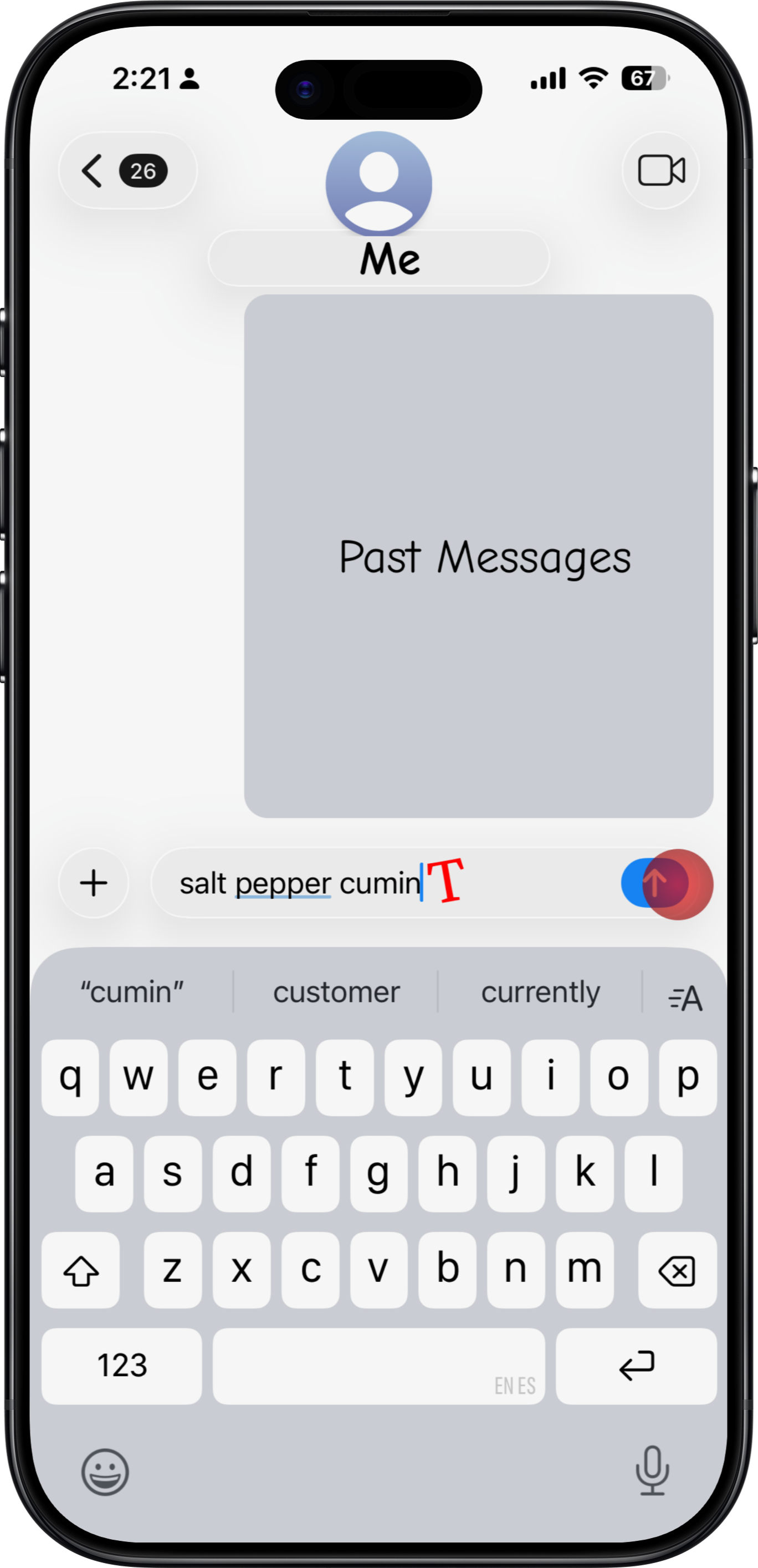
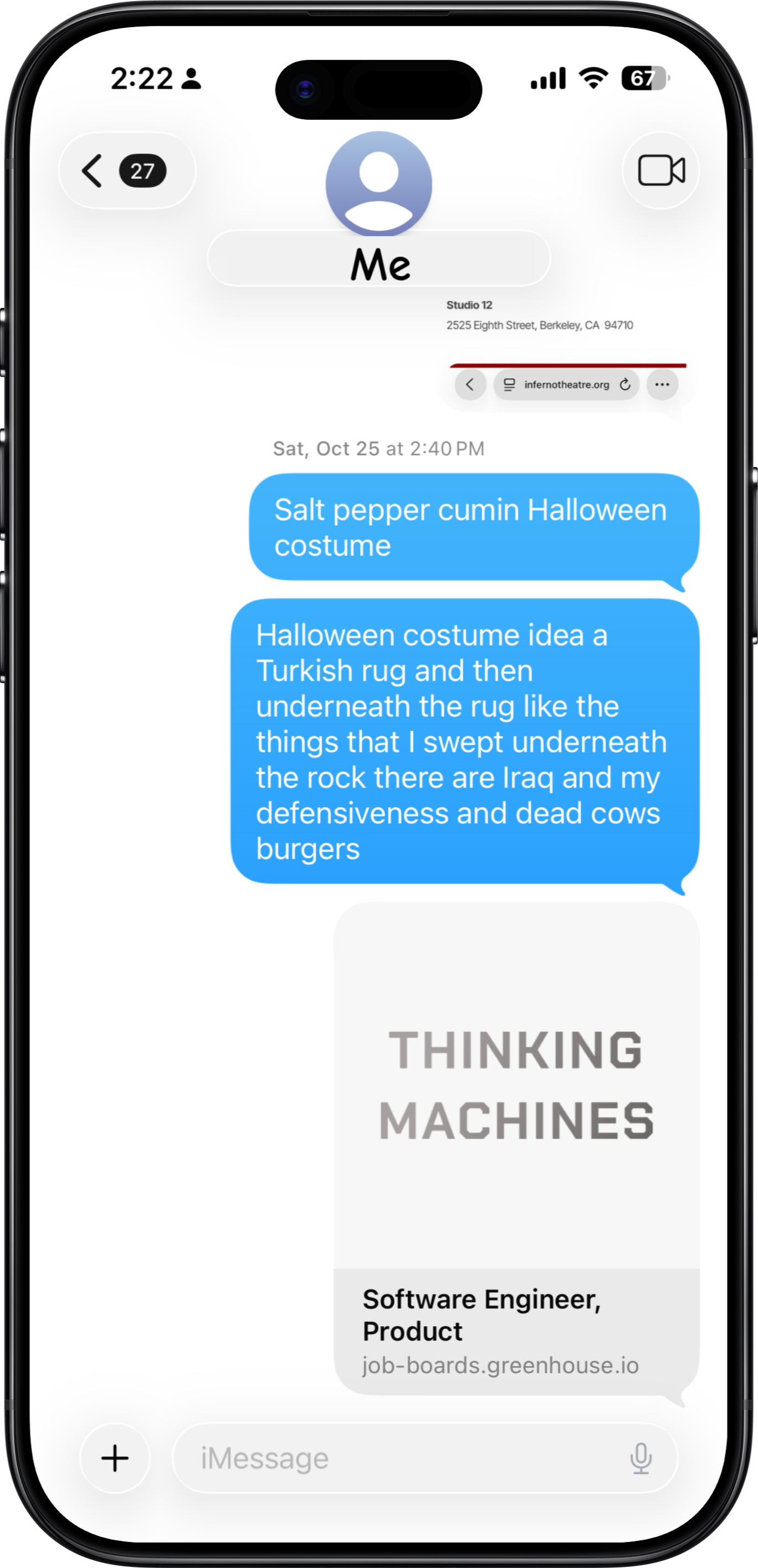
I texted myself quick thoughts, things to buy, reminders, links, recipes, gift ideas, design inspiration, and movies recs. Contrast this with what I put in obsidian, things like monthly reflections, project specs, and thorough book notes. I realized that these daily scraps are their own meaningful category of note, and they should have a separate home - so I built an app called prism.
Prism creates a healthy lifecycle for your daily scraps by following these principles: frictionless capture, easy organization, alive notes, and stream of consciousness.
Frictionless Capture
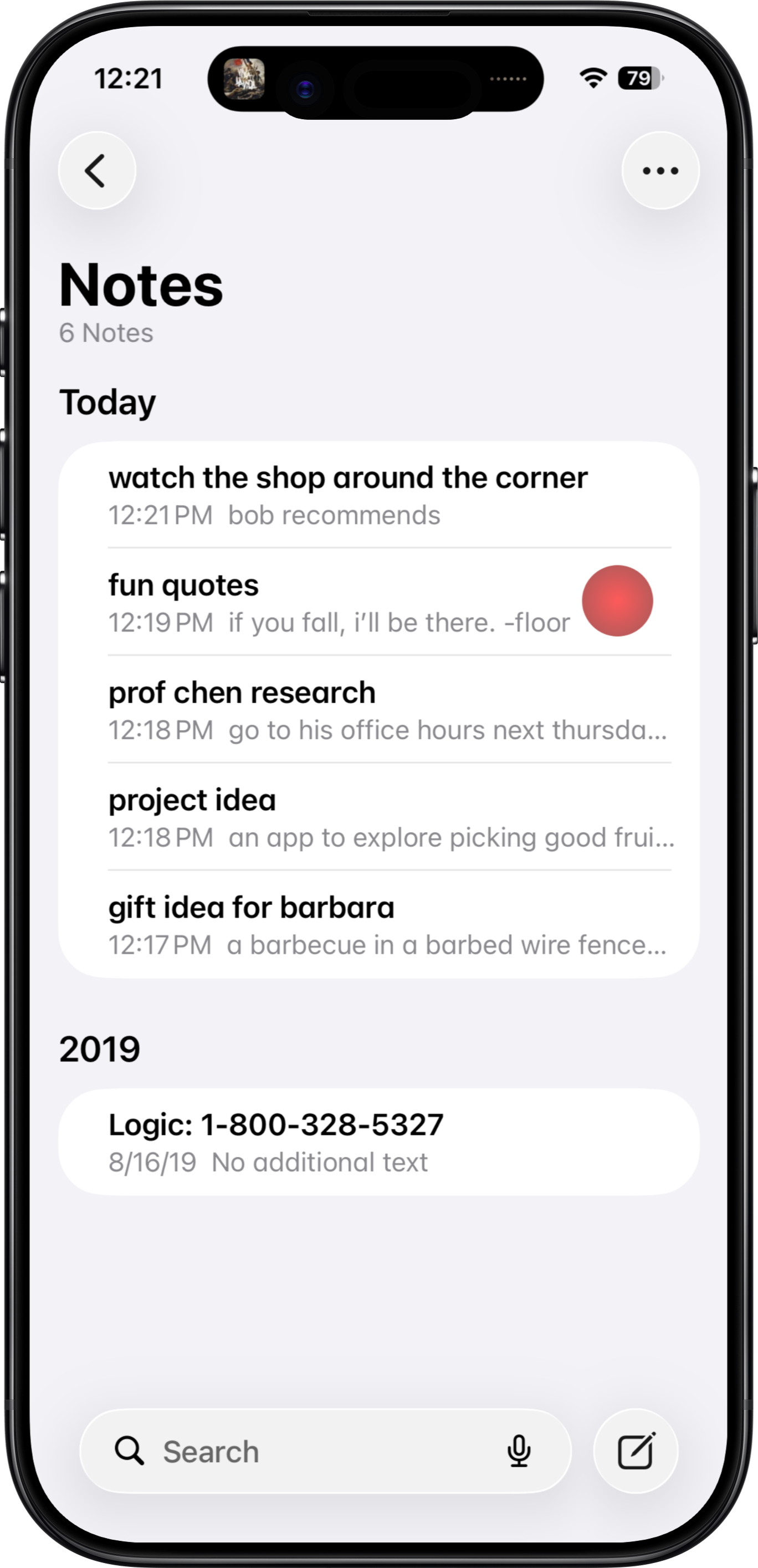
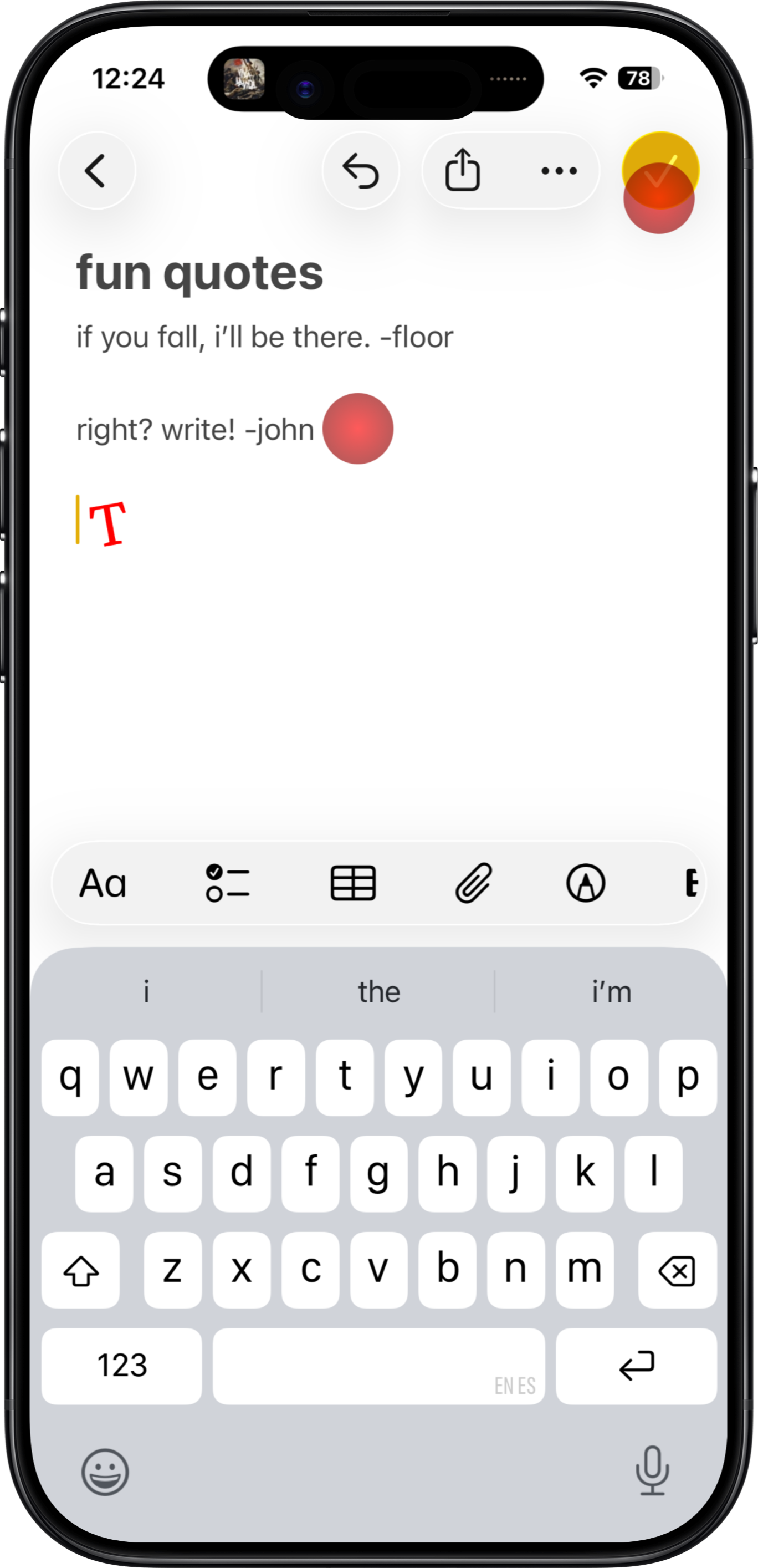
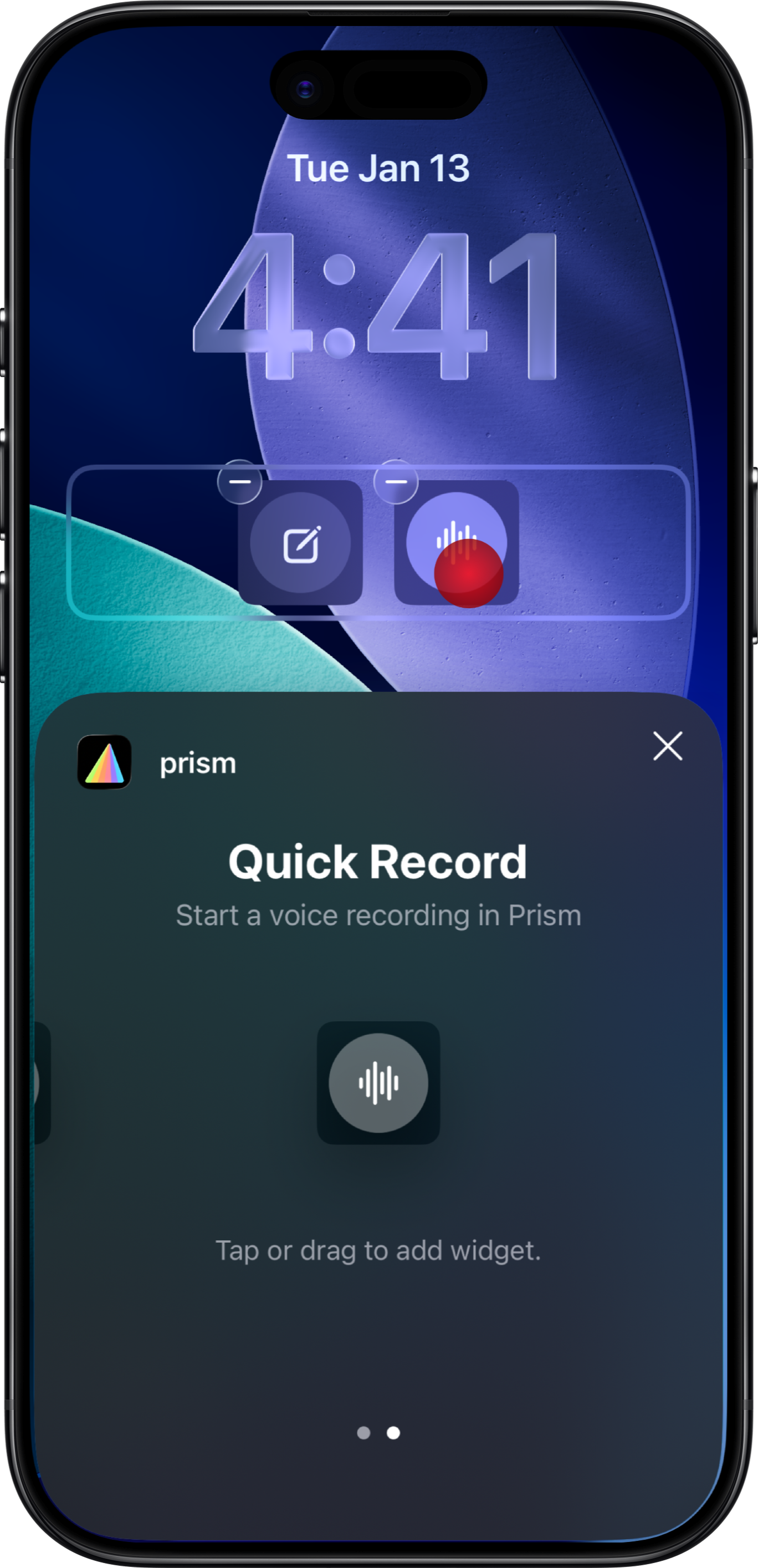
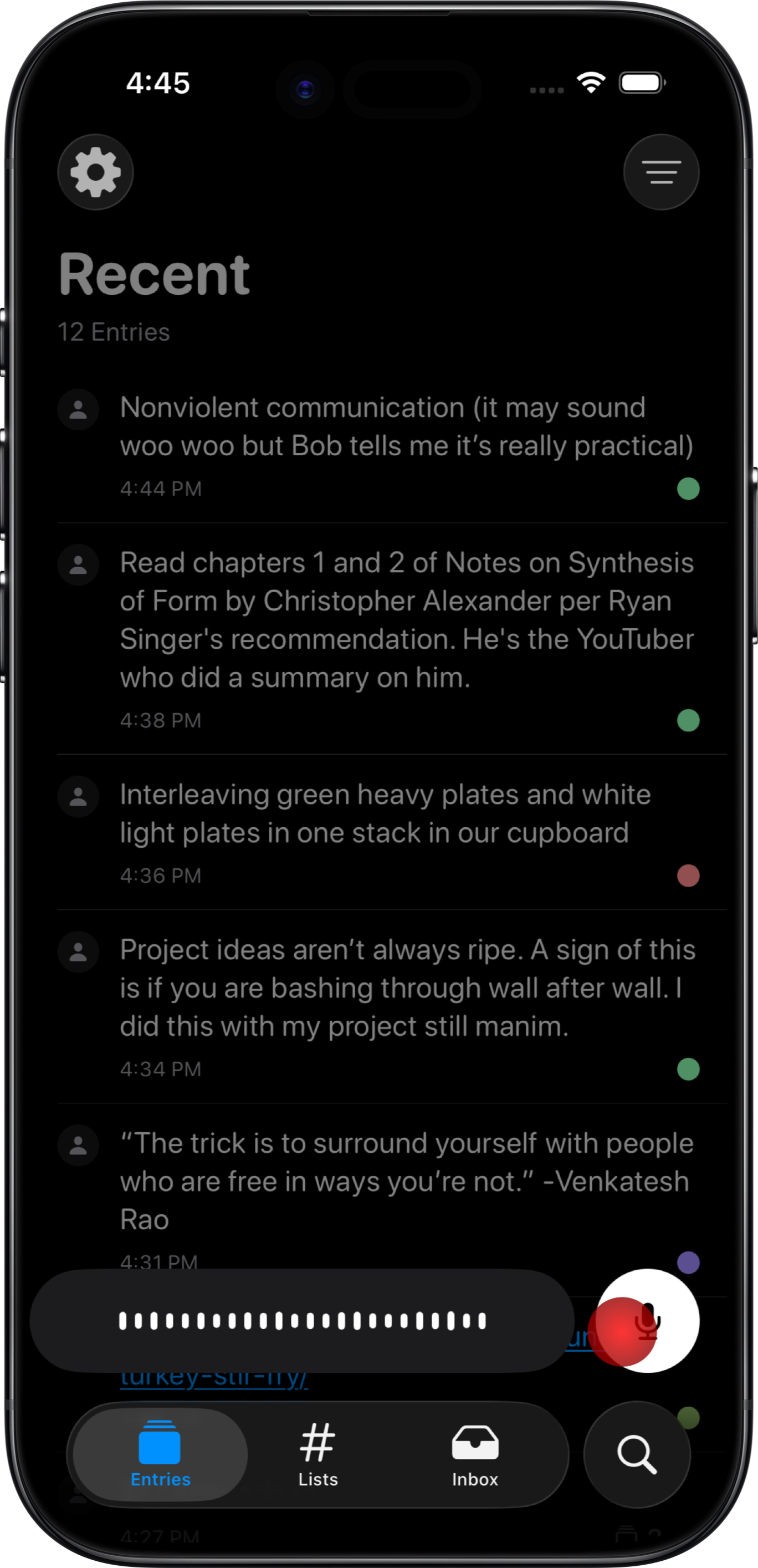
Taking a note should be super easy. Your daily scraps are fleeting, sometimes occurring mid-conversation and sometimes not feeling promising enough to spend effort capturing. So starting the note capture should take one action and should not require a title.
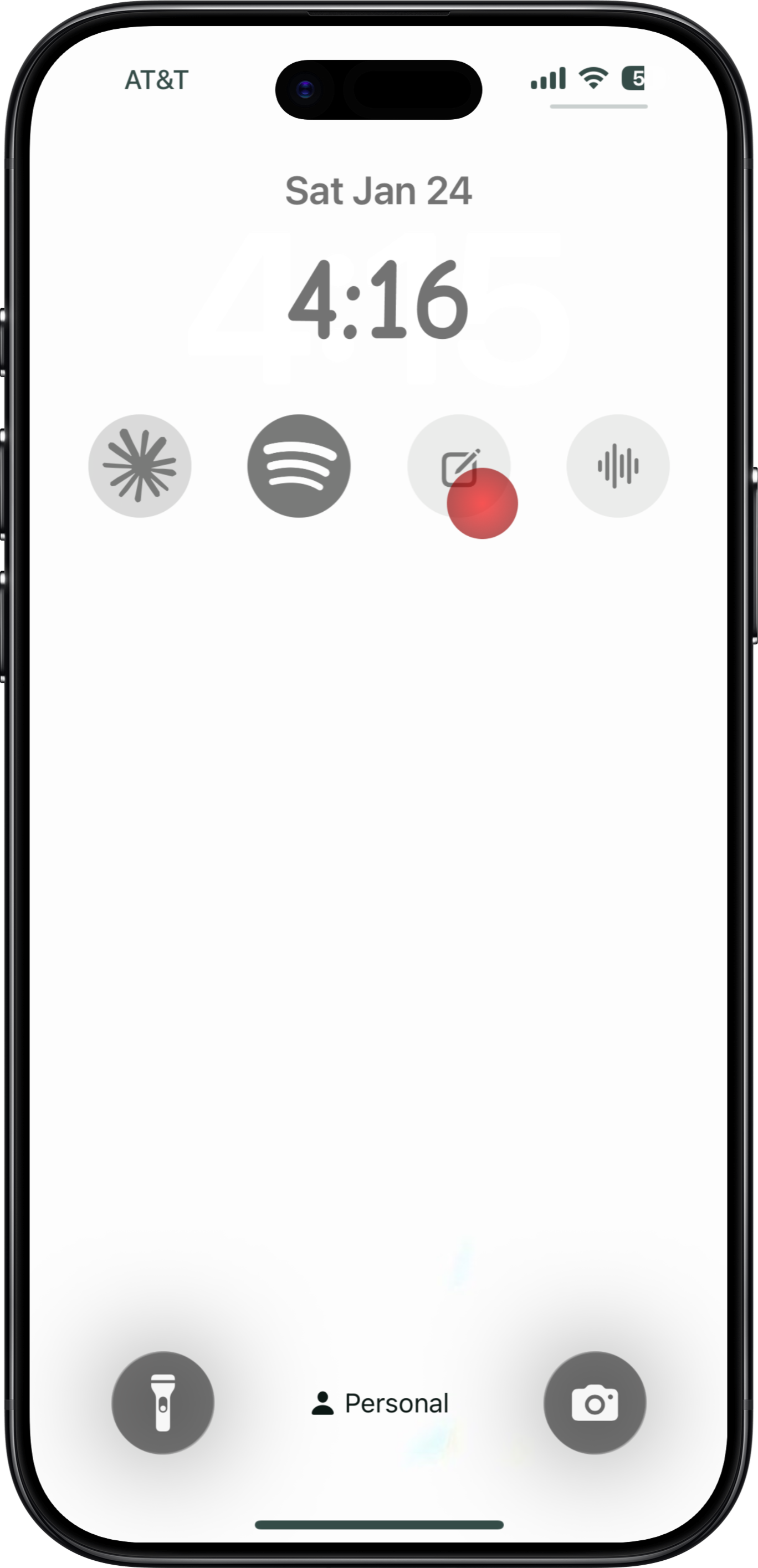
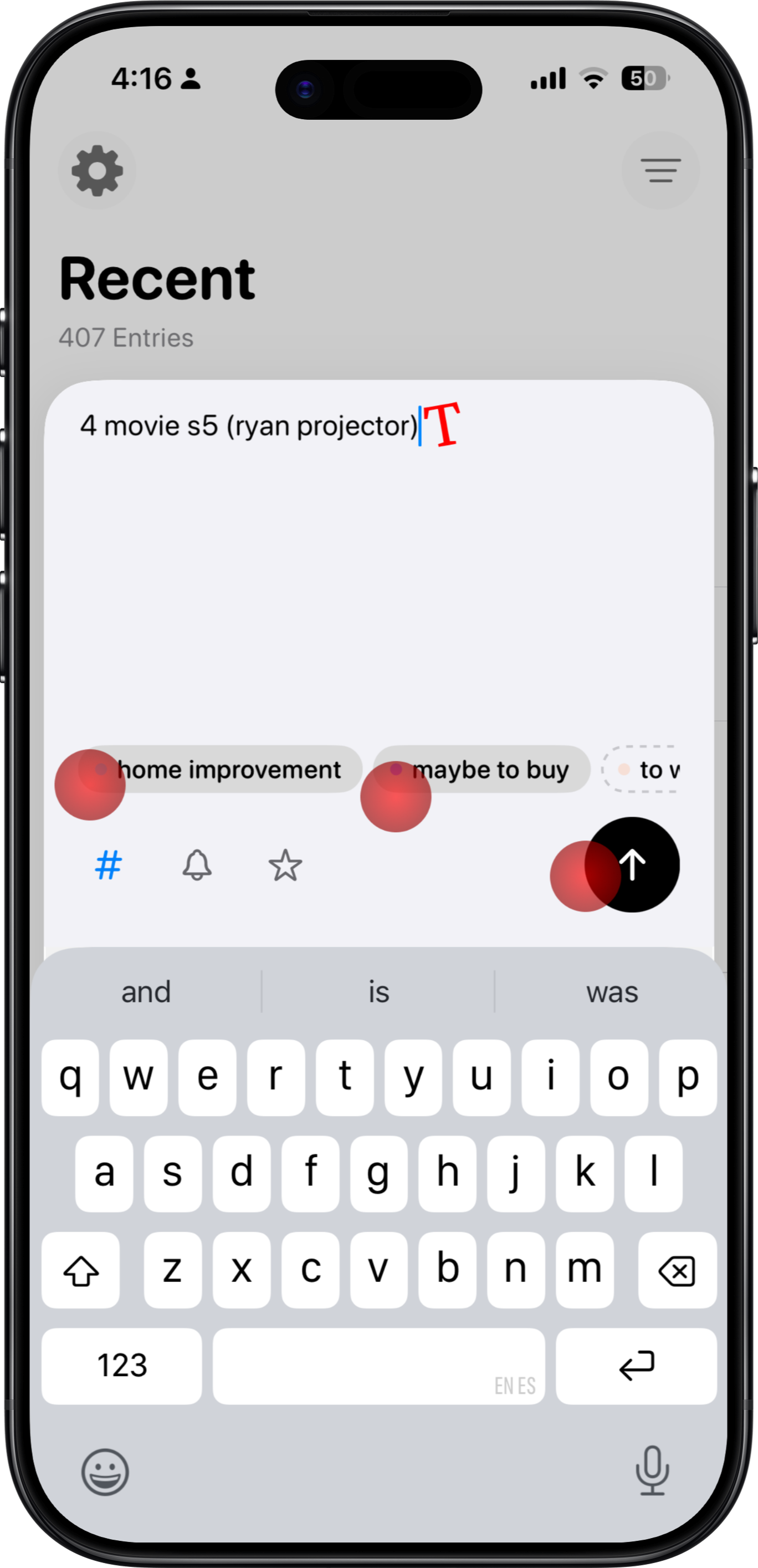
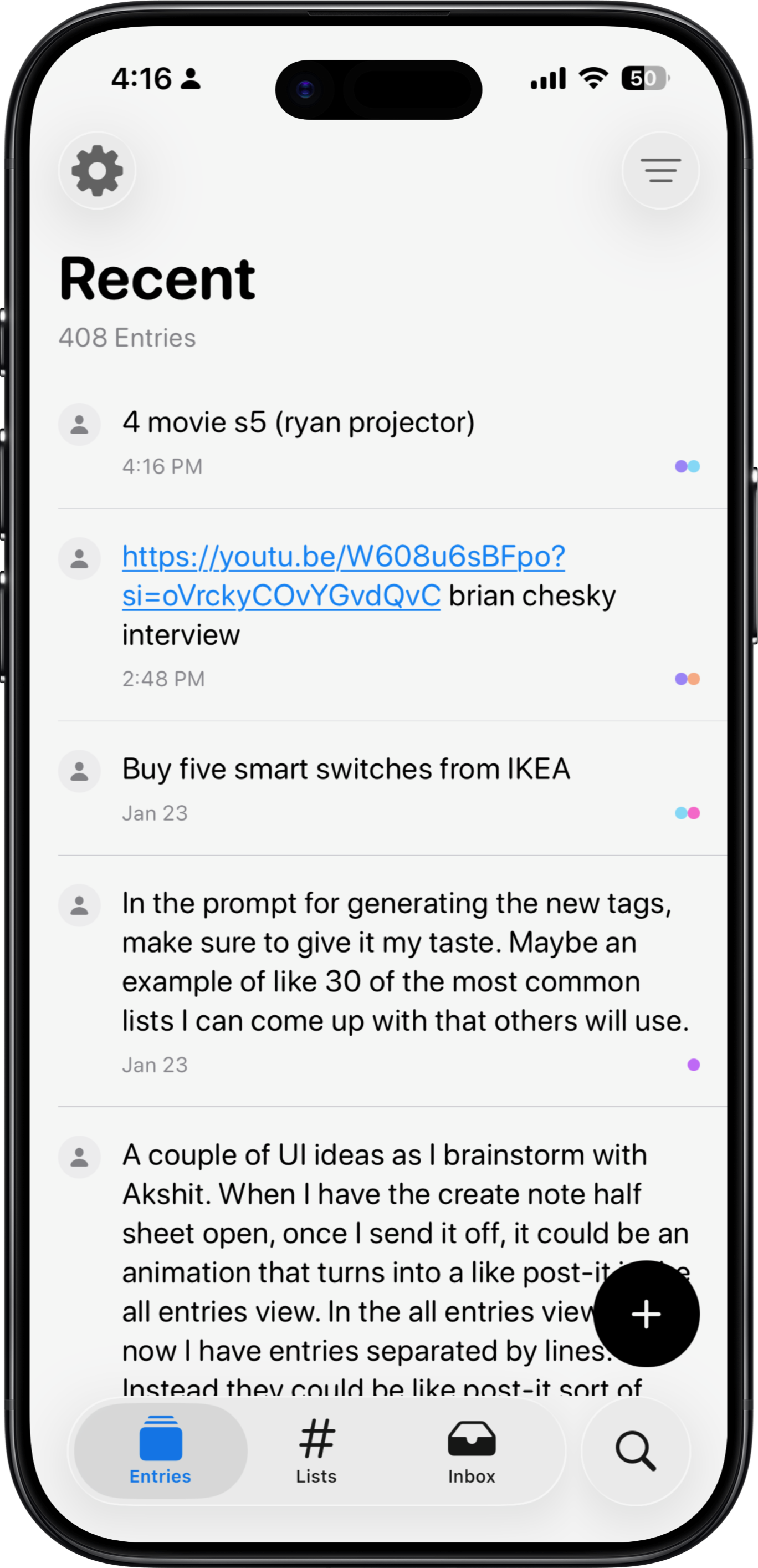
Your daily scraps can come up anywhere and anytime, whether you're on public transit or you've just woken up. So the app should have a great mobile experience and make voice a first-class feature.
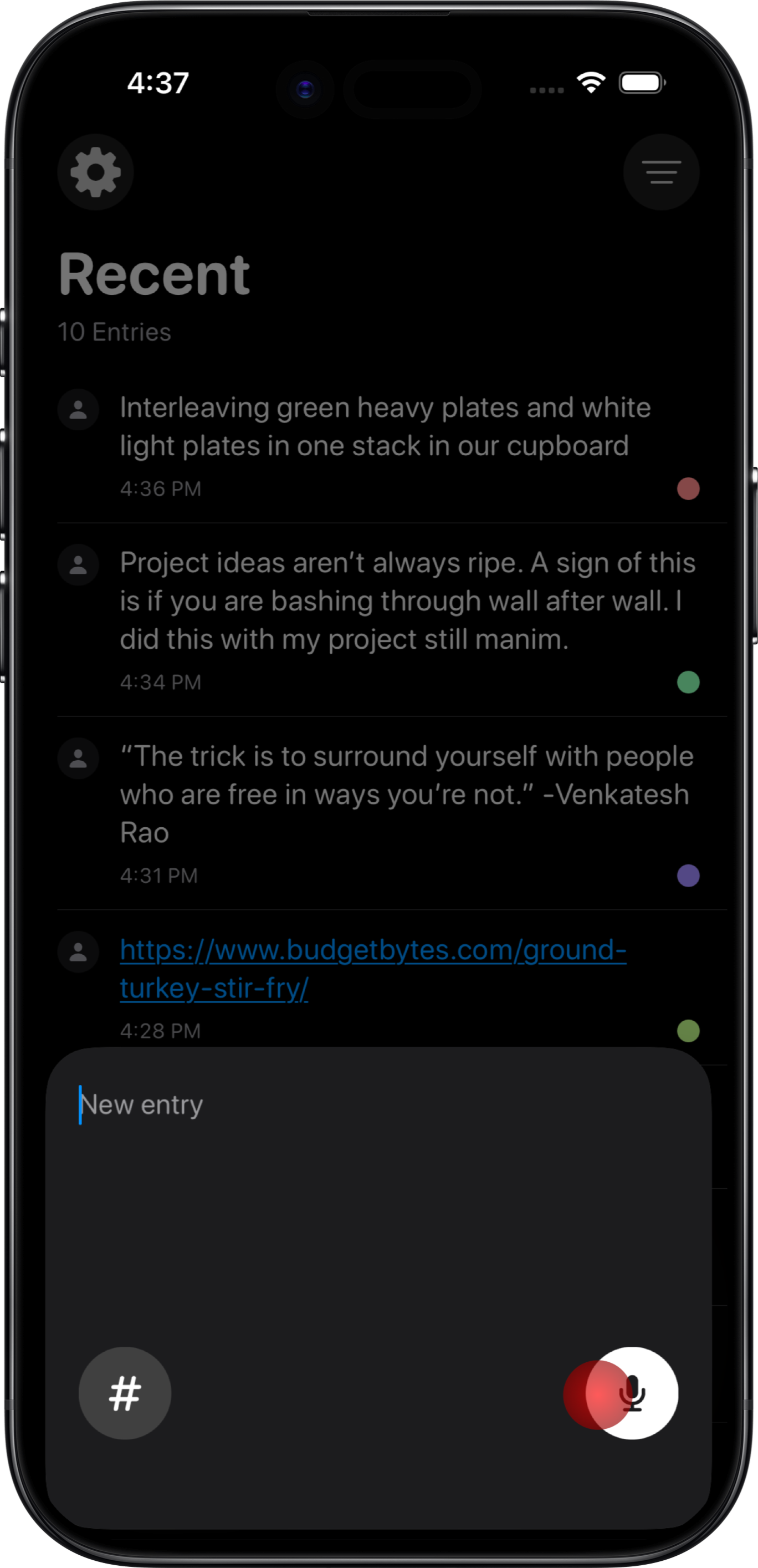
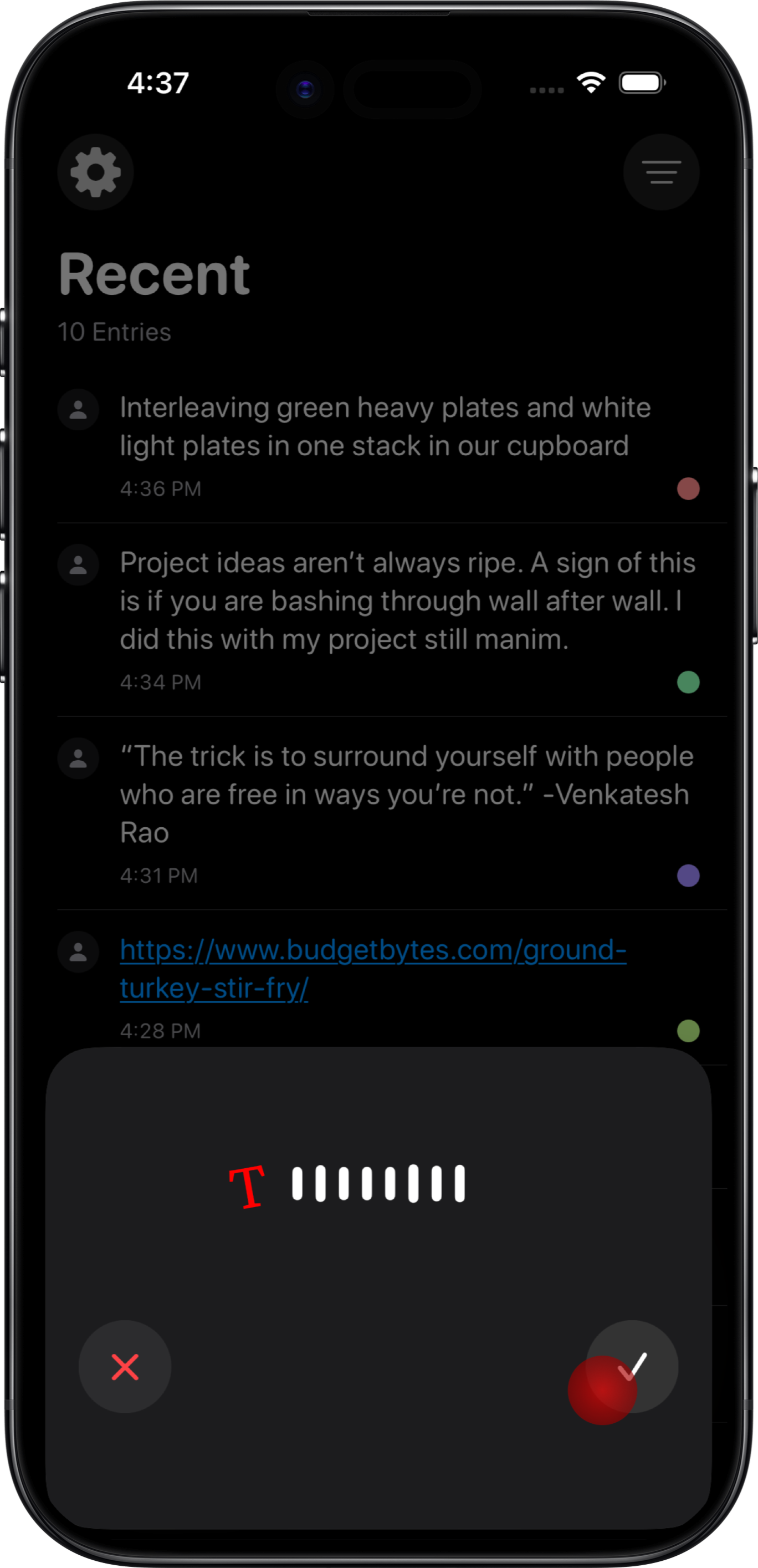
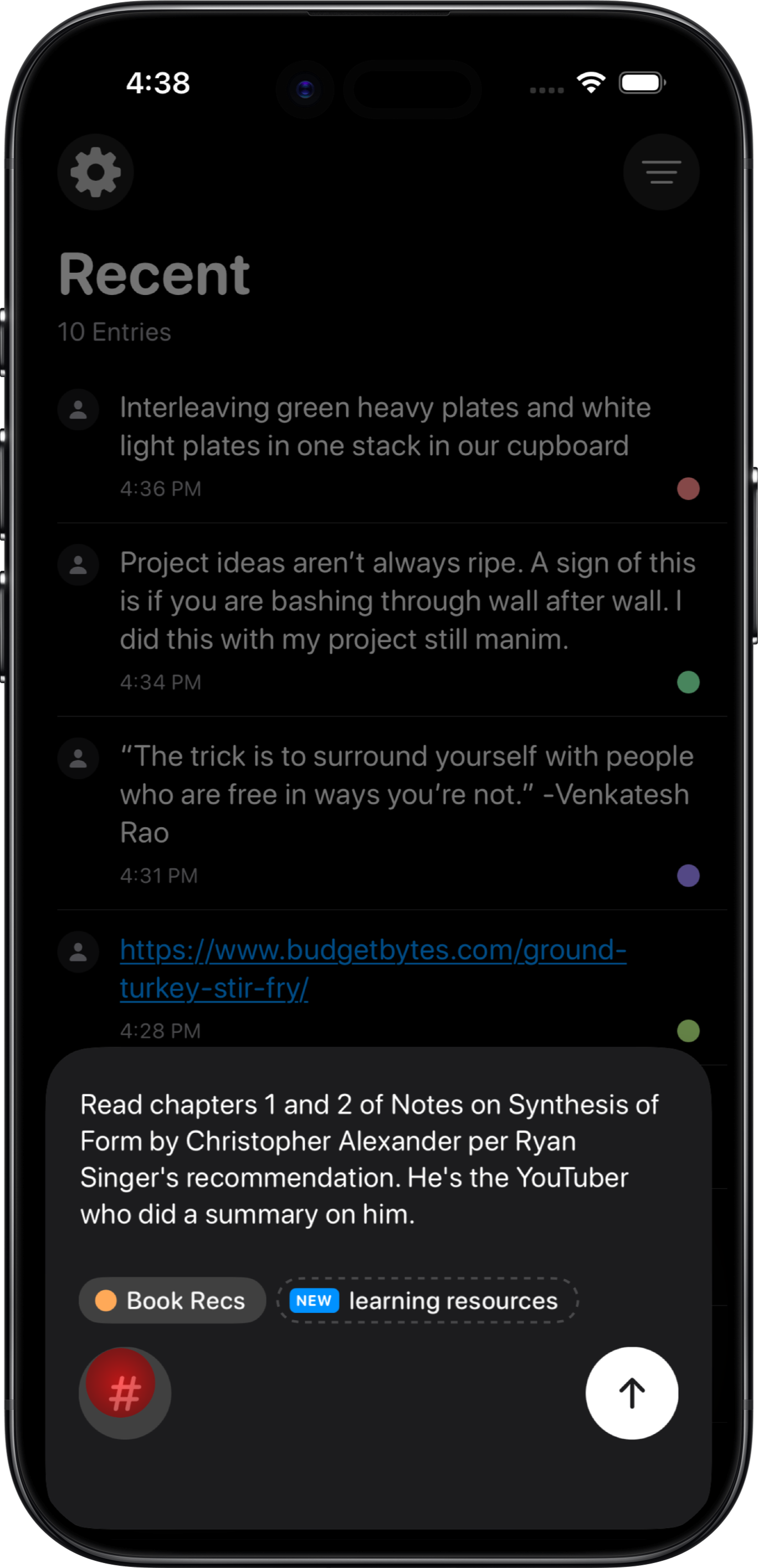
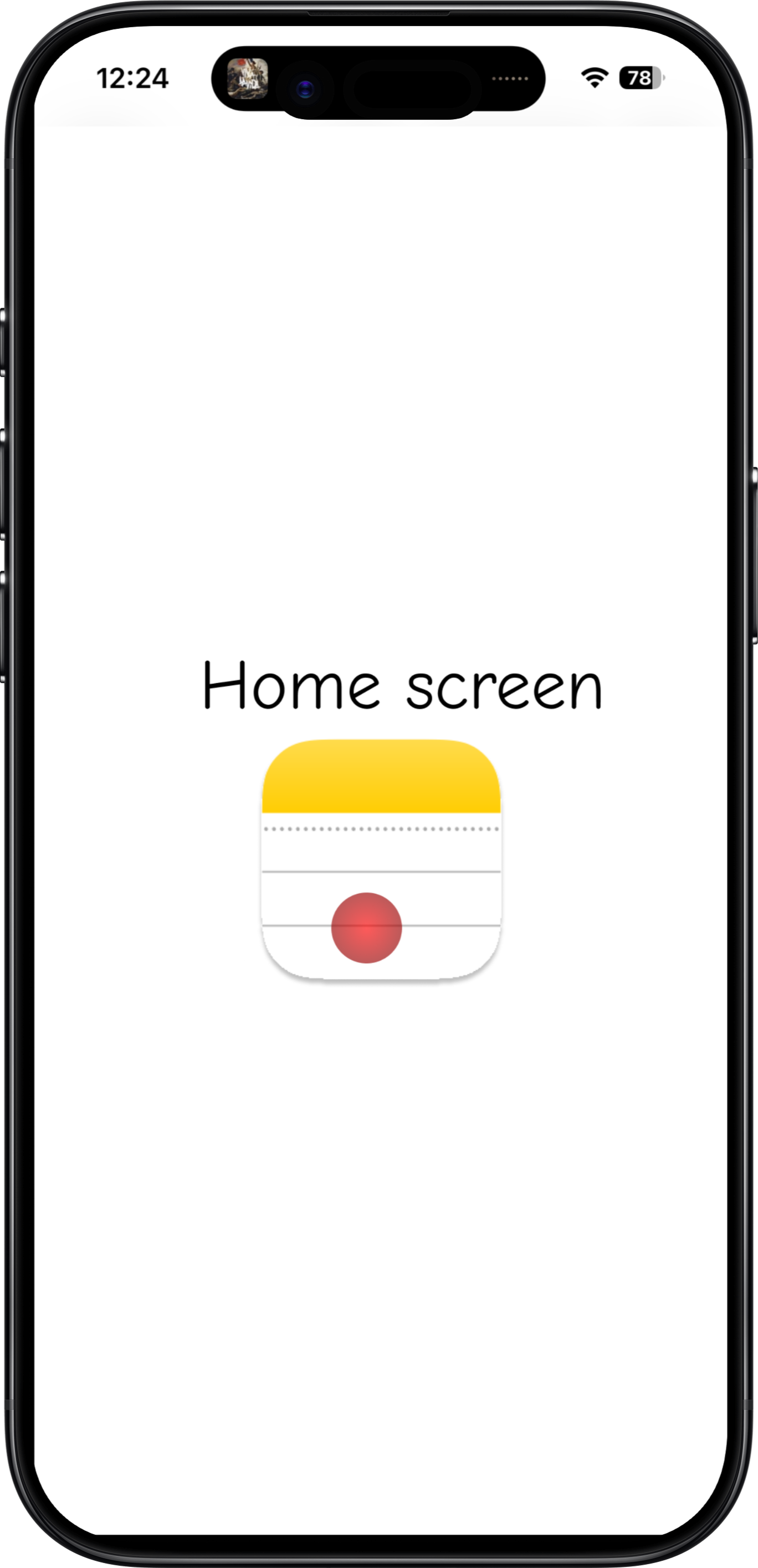
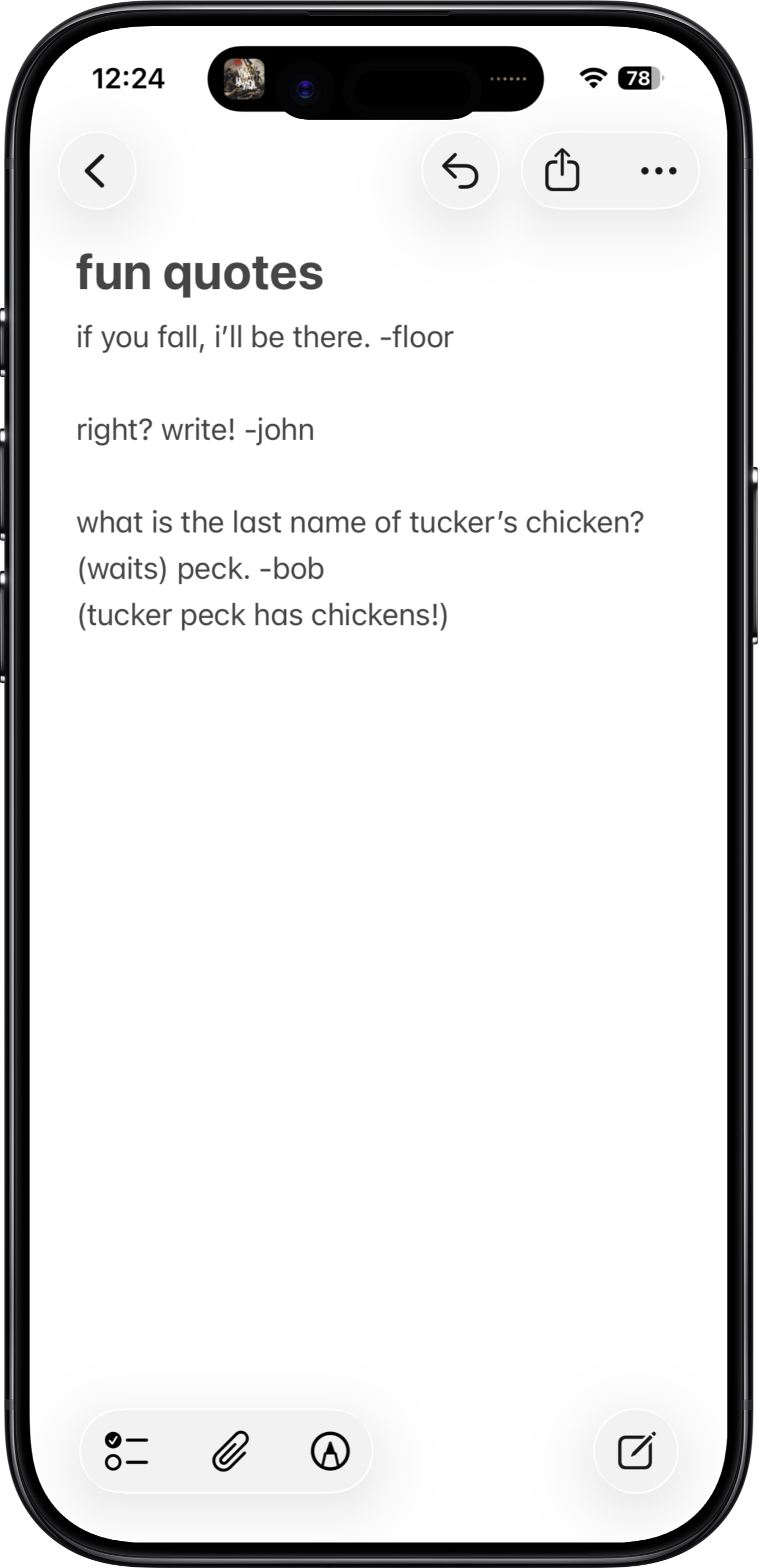
Contrast with Apple Notes.
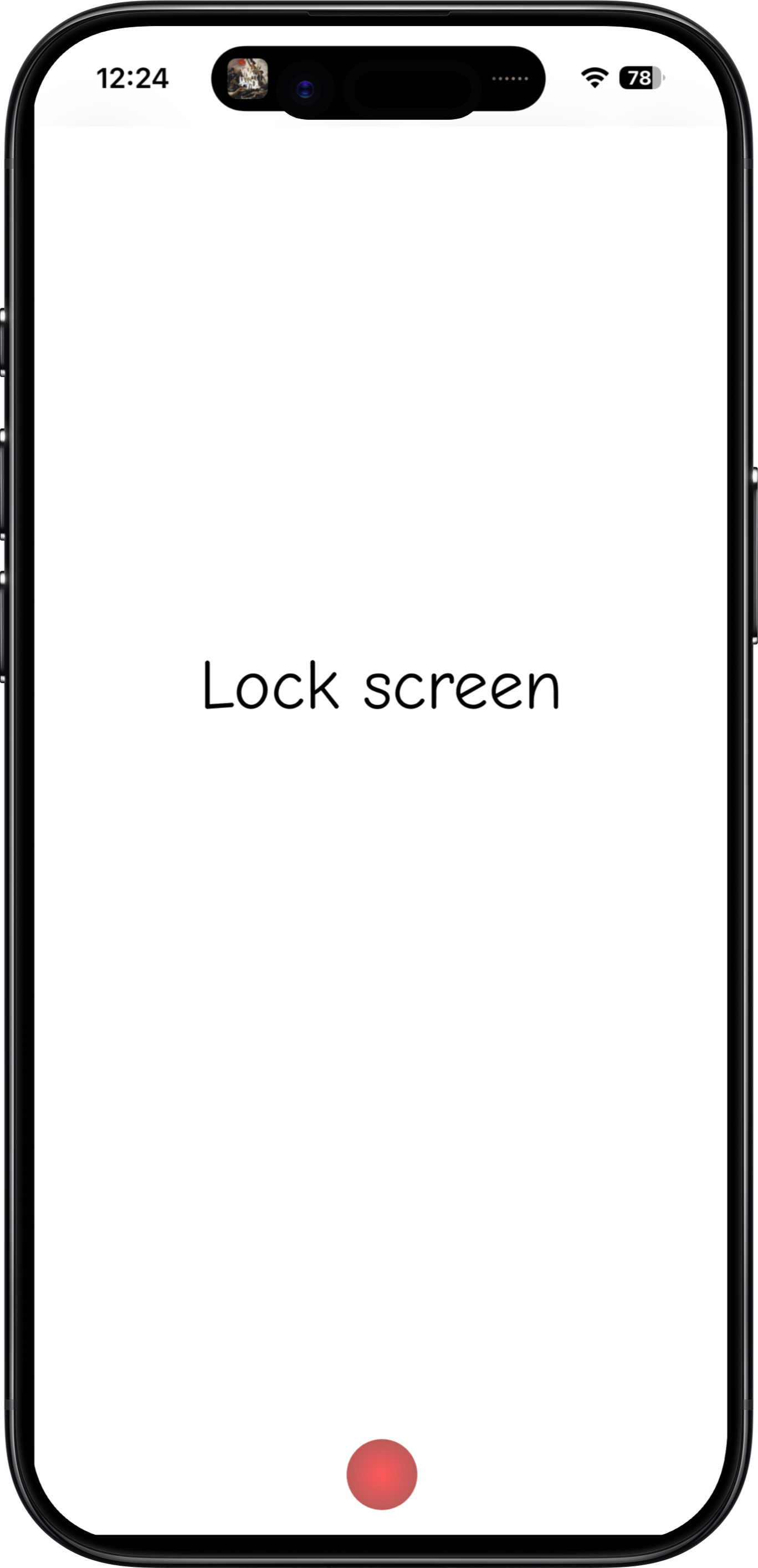
Contrast with Obsidian.
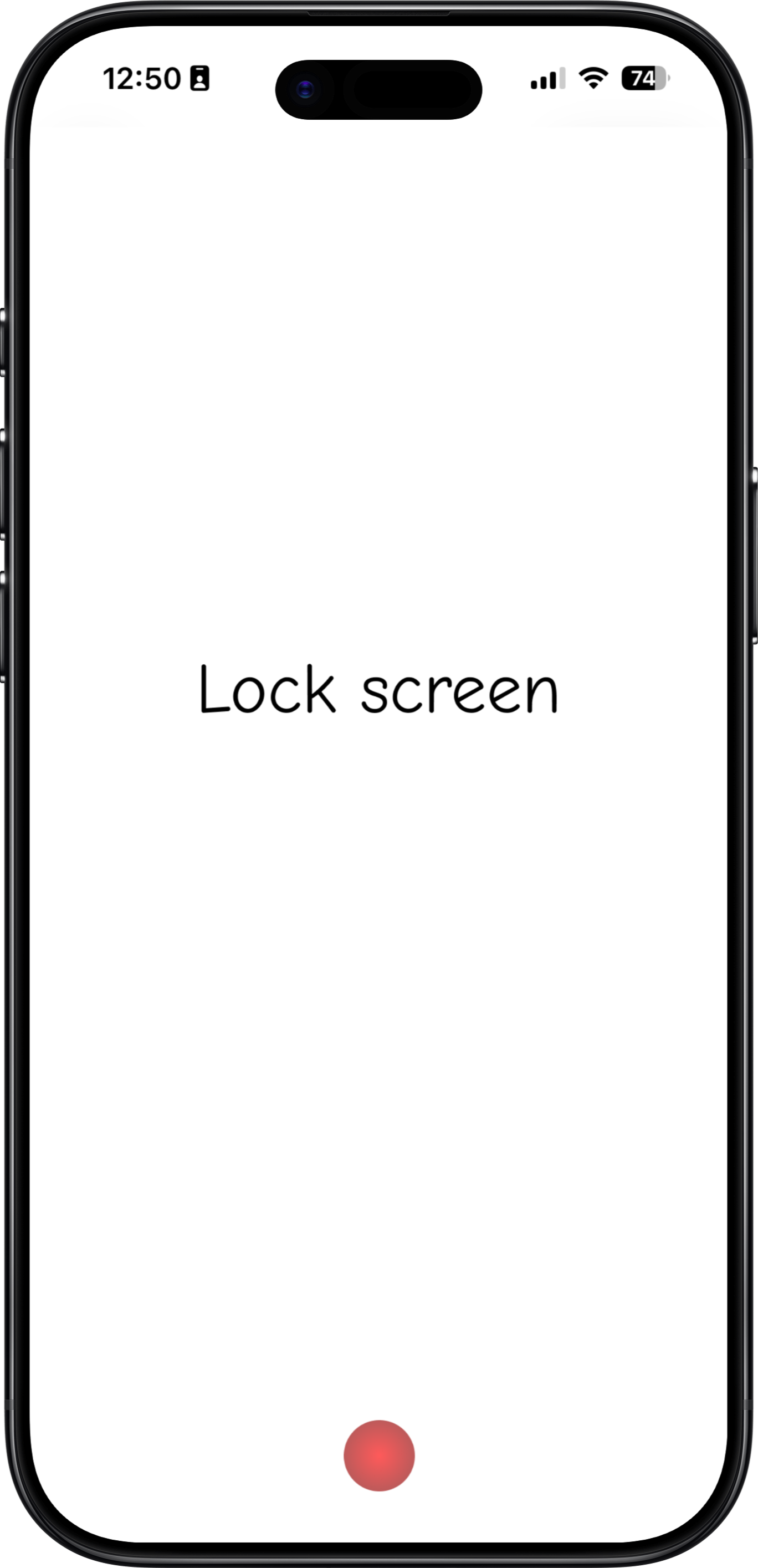
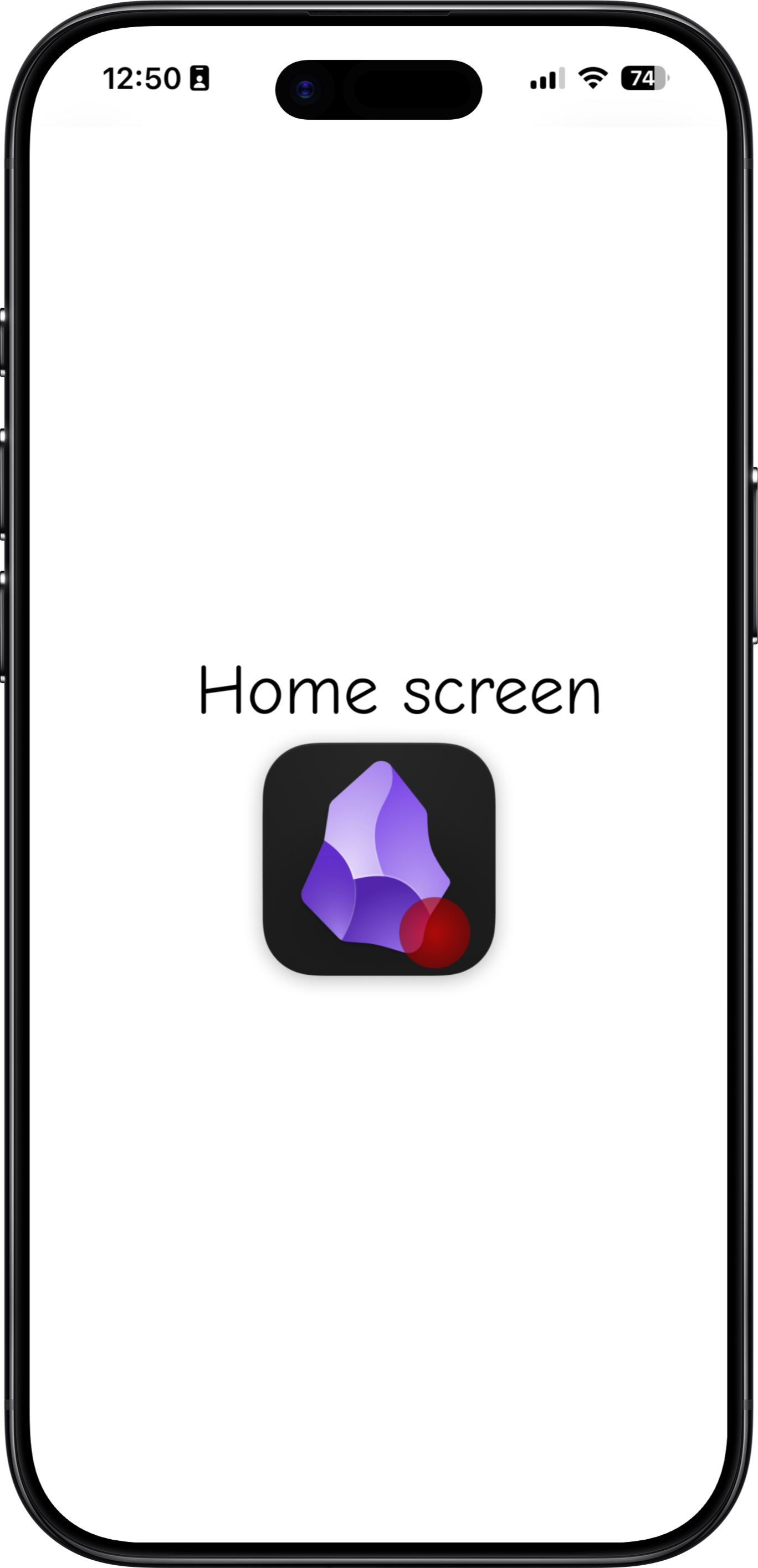
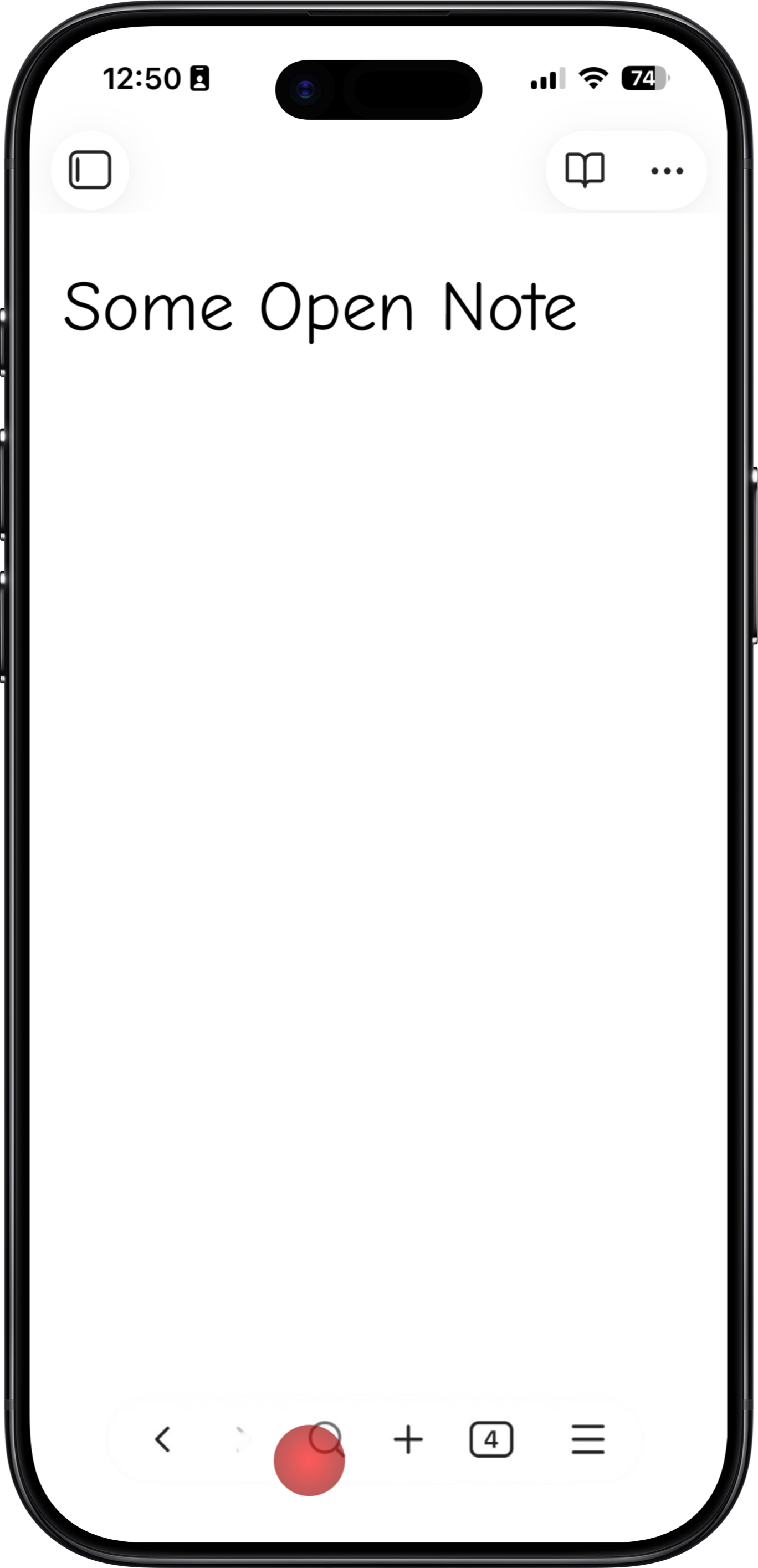
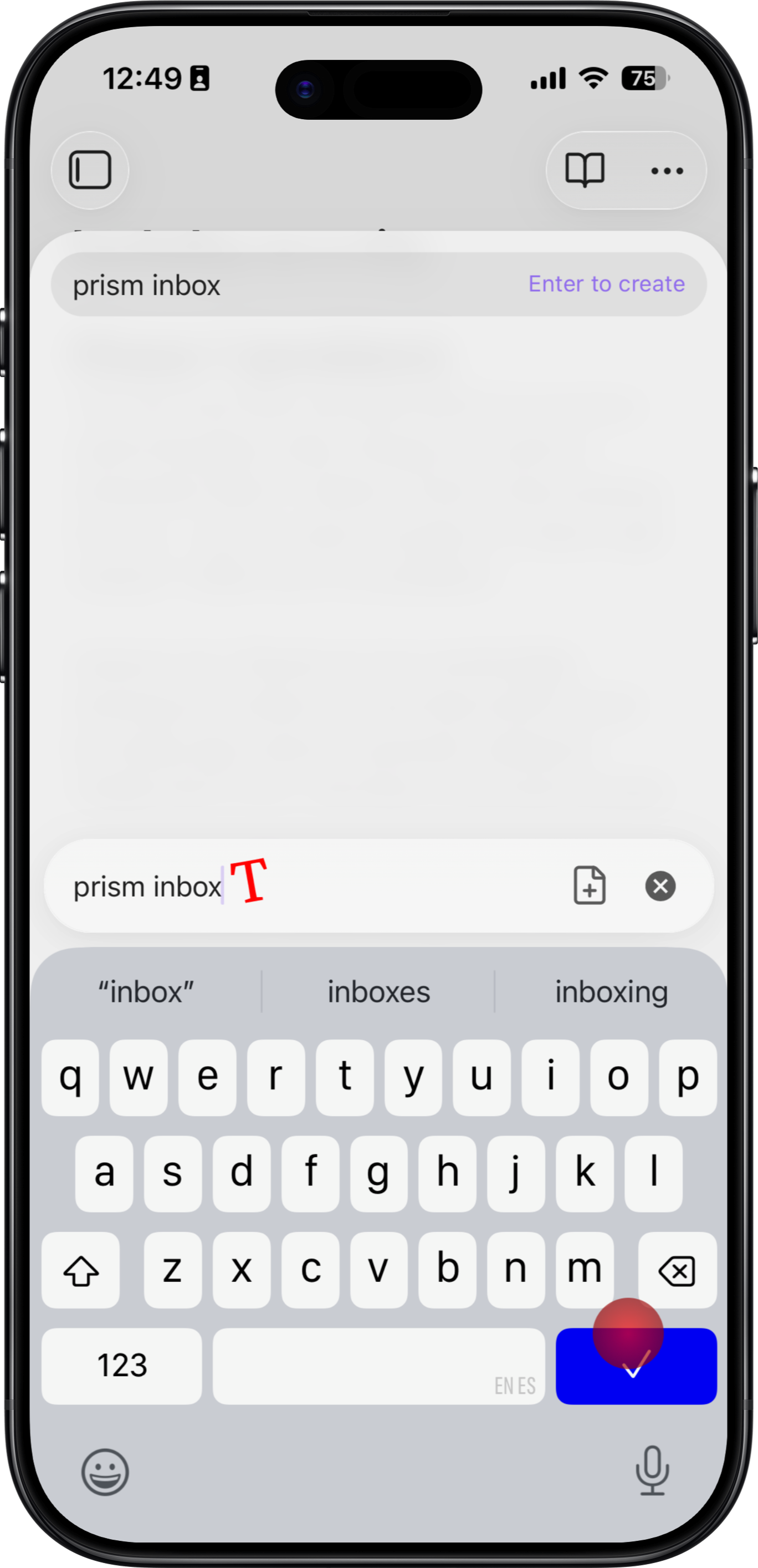
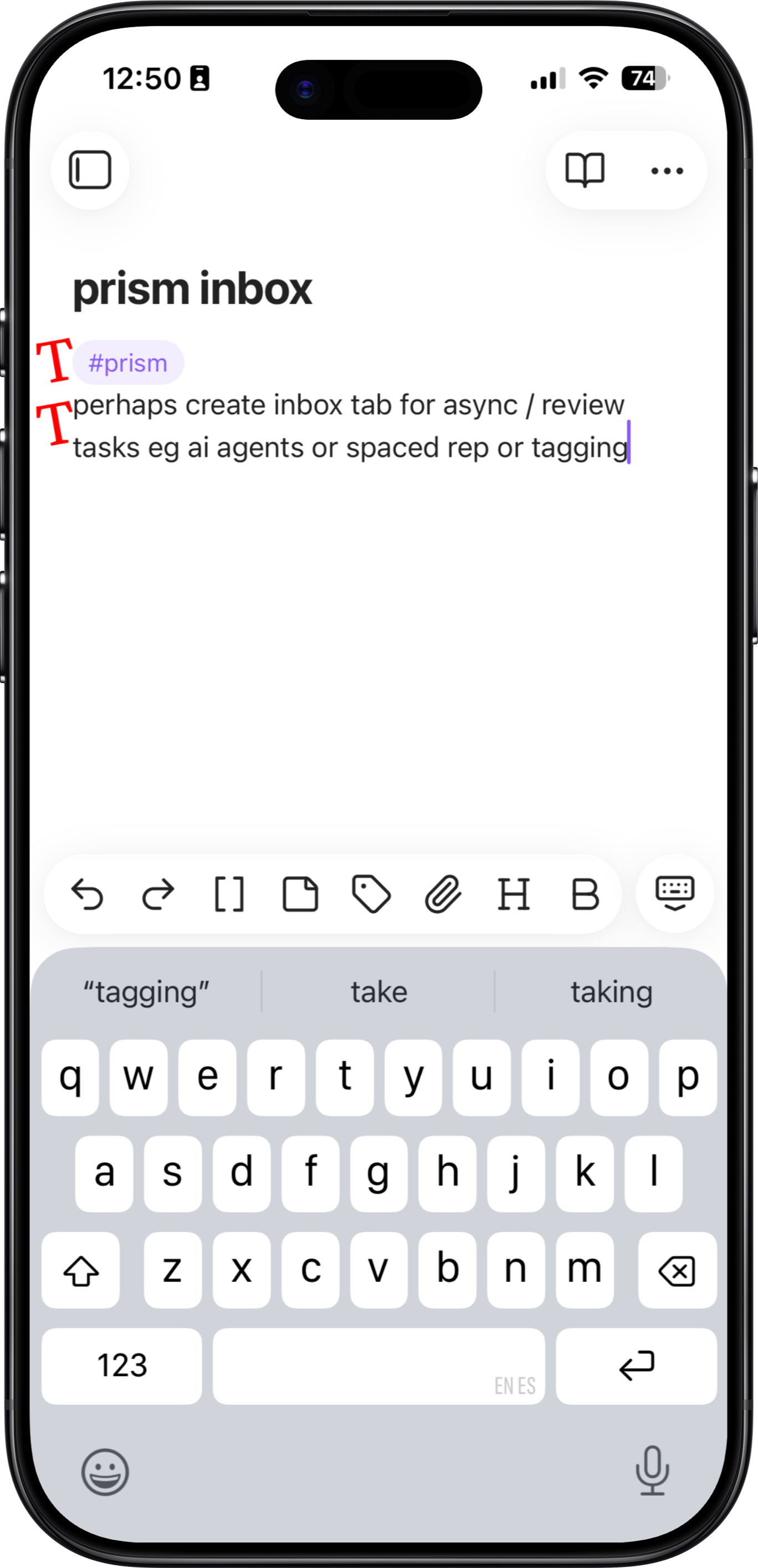
Drafts is a notable app that already has good capture. Frictionless capture is table stakes for apps that capture your daily scraps.
You make a subconscious decision to capture something largely based on how familiar and easy it is to perform the act of capturing. While a lot of your quick thoughts are noise, some worthy scraps slip by all the time - scraps that if given the chance might become ripe a month later or combine with other scraps into substance.
Easy Organization
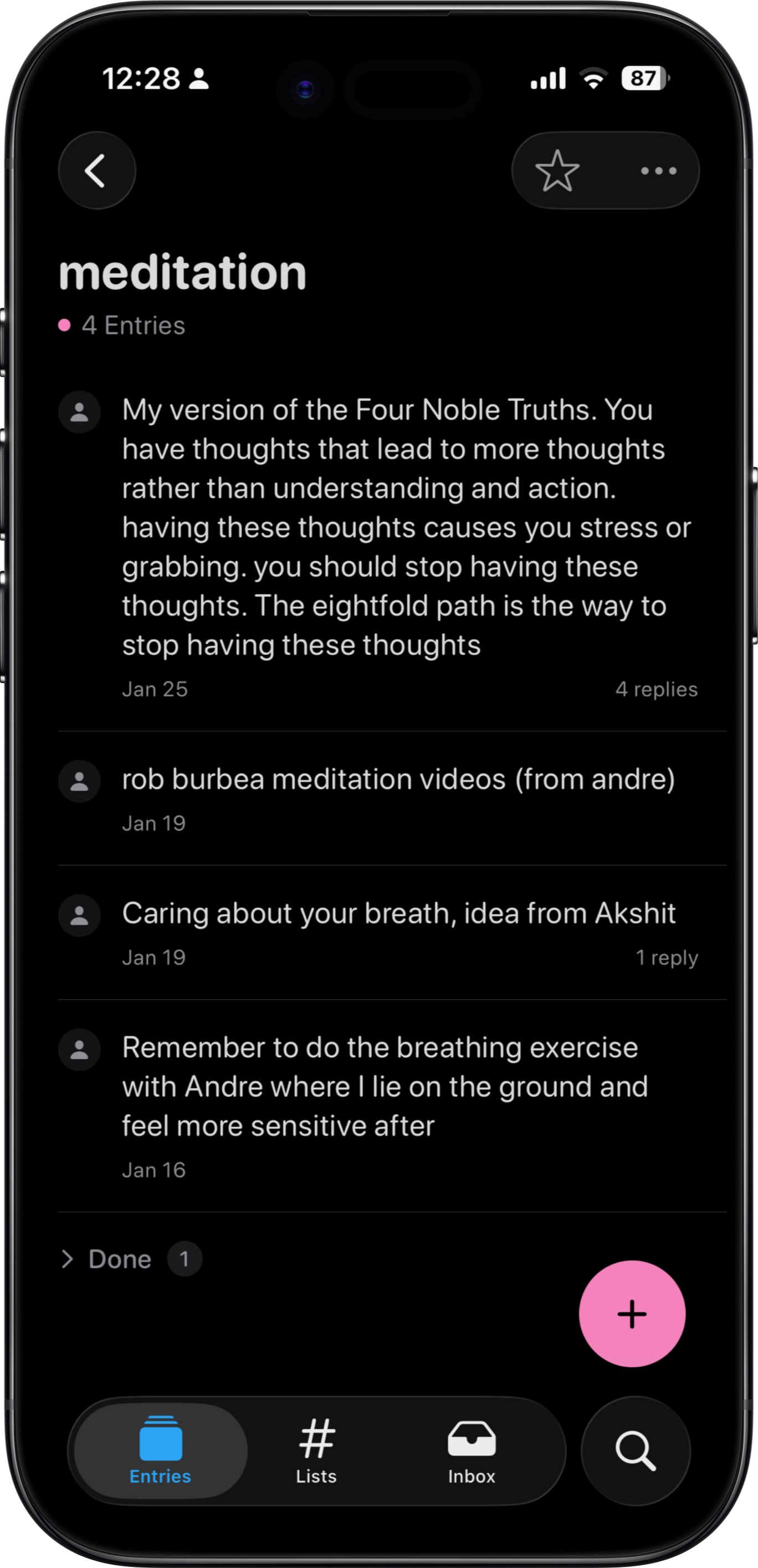
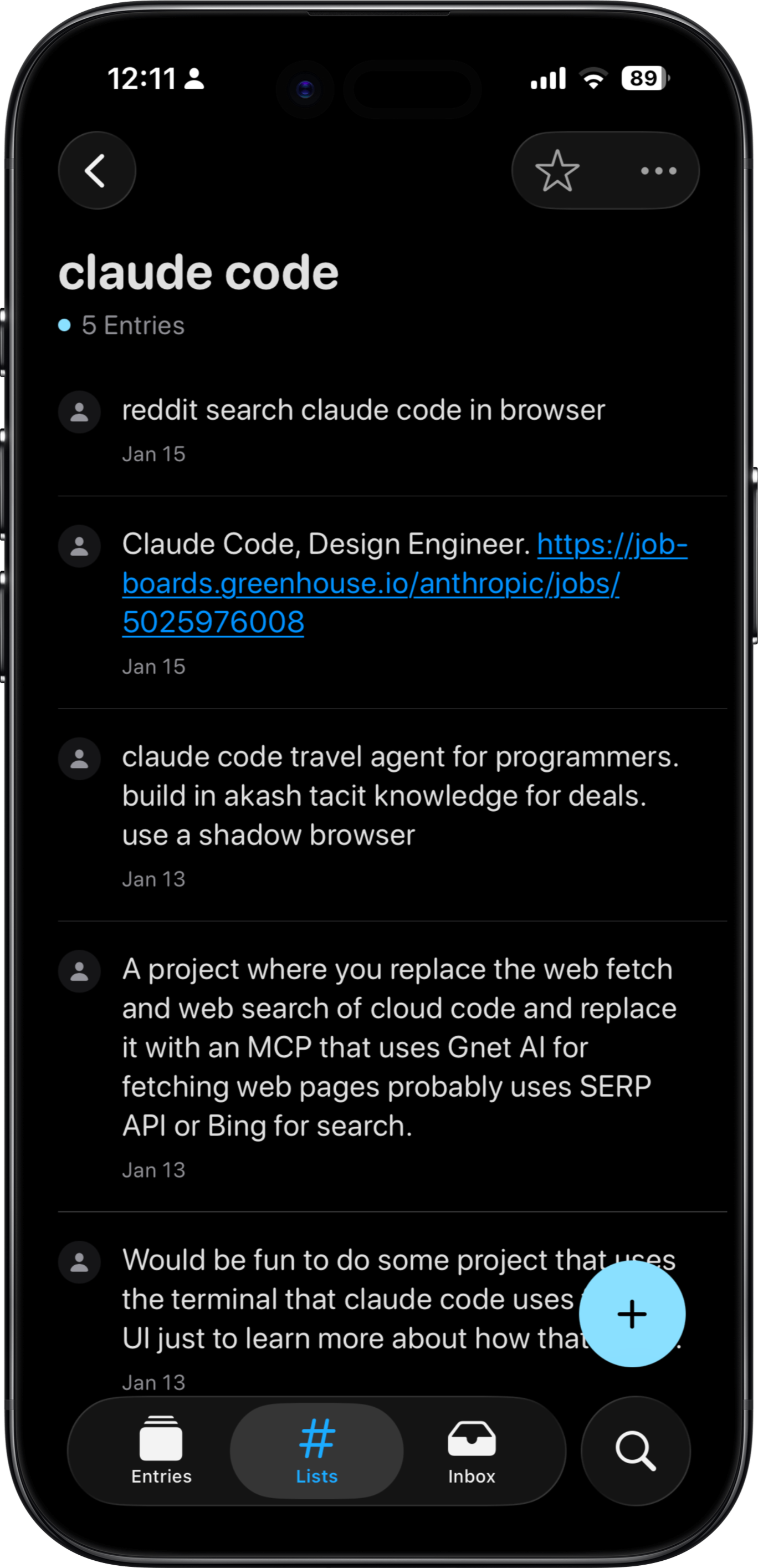
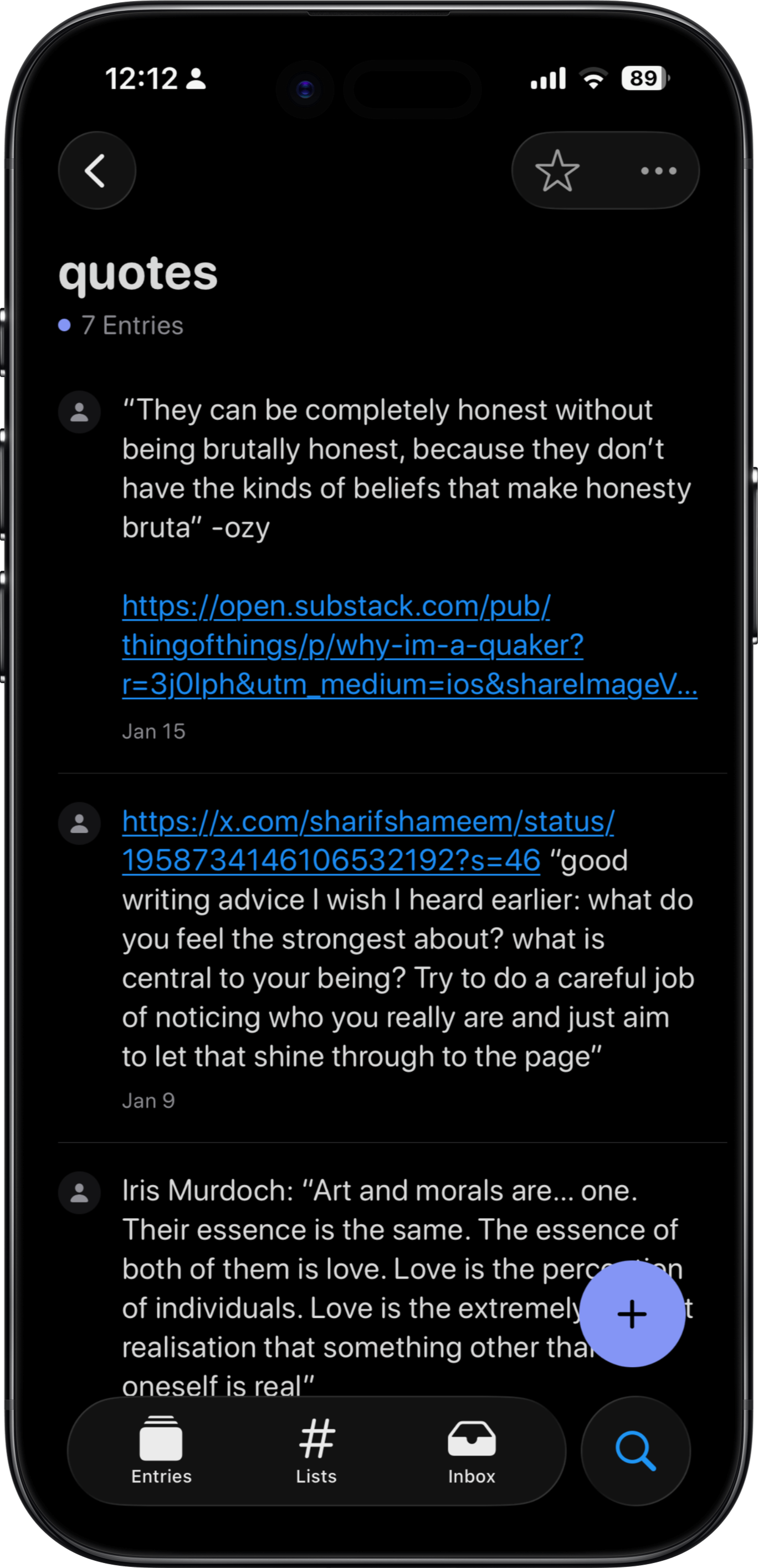
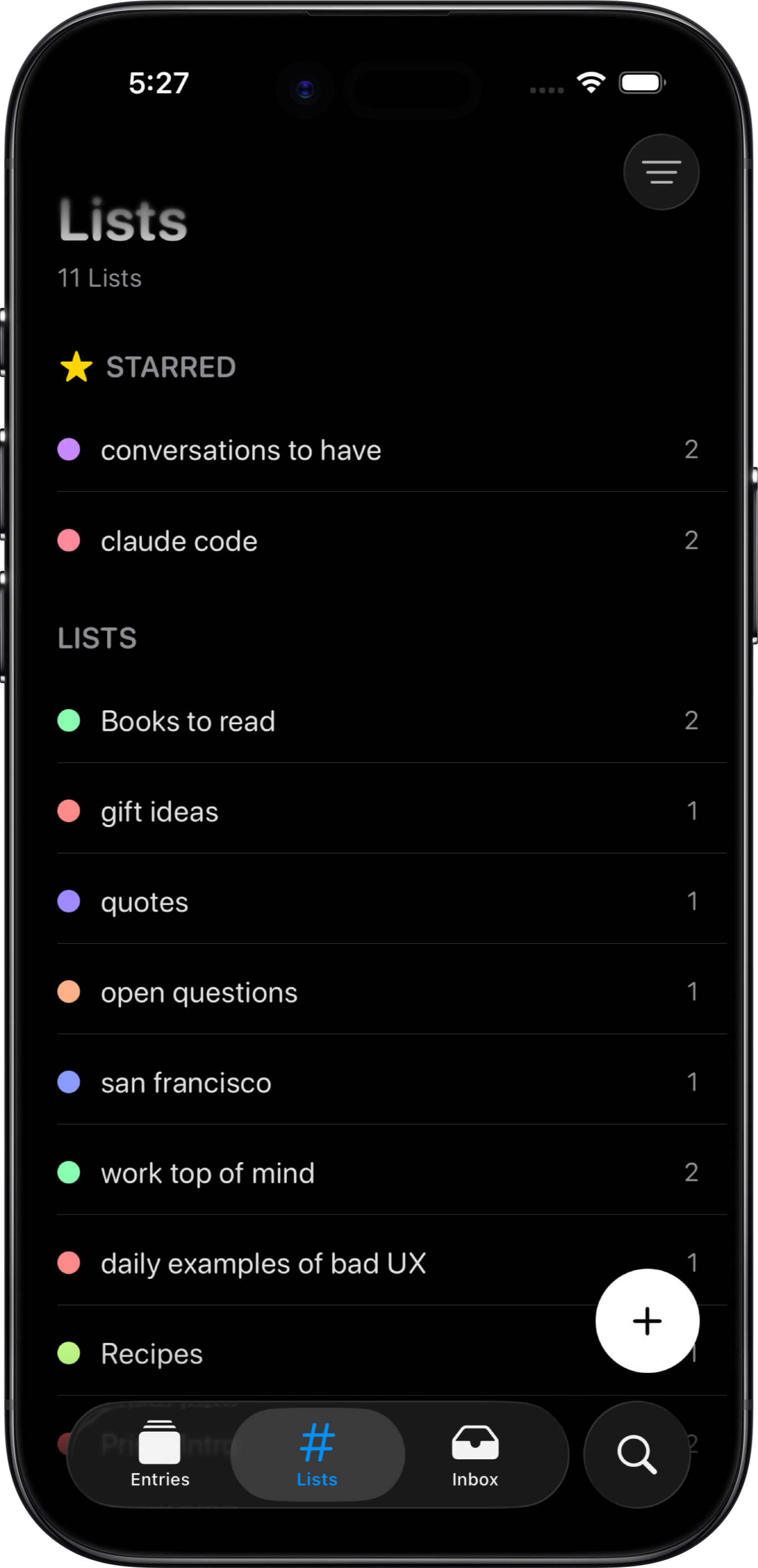
Organization over time makes scraps meaningful and sticky in your mind. The primary organizing unit in Prism is a list. Lists are for things that accumulate and that you want to return to, like movie recs or project ideas. In contrast, a quick grocery list can just be a single note.
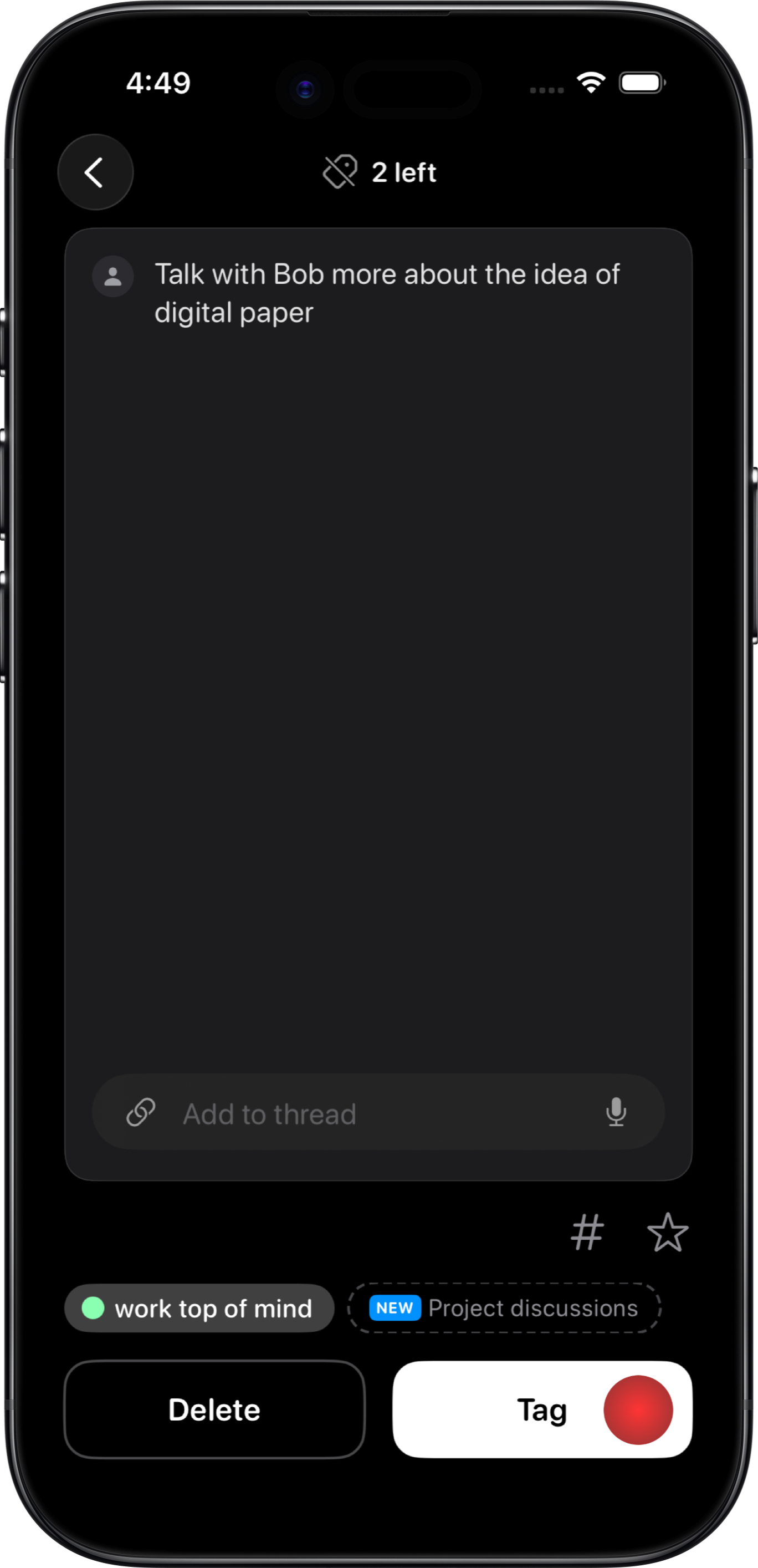
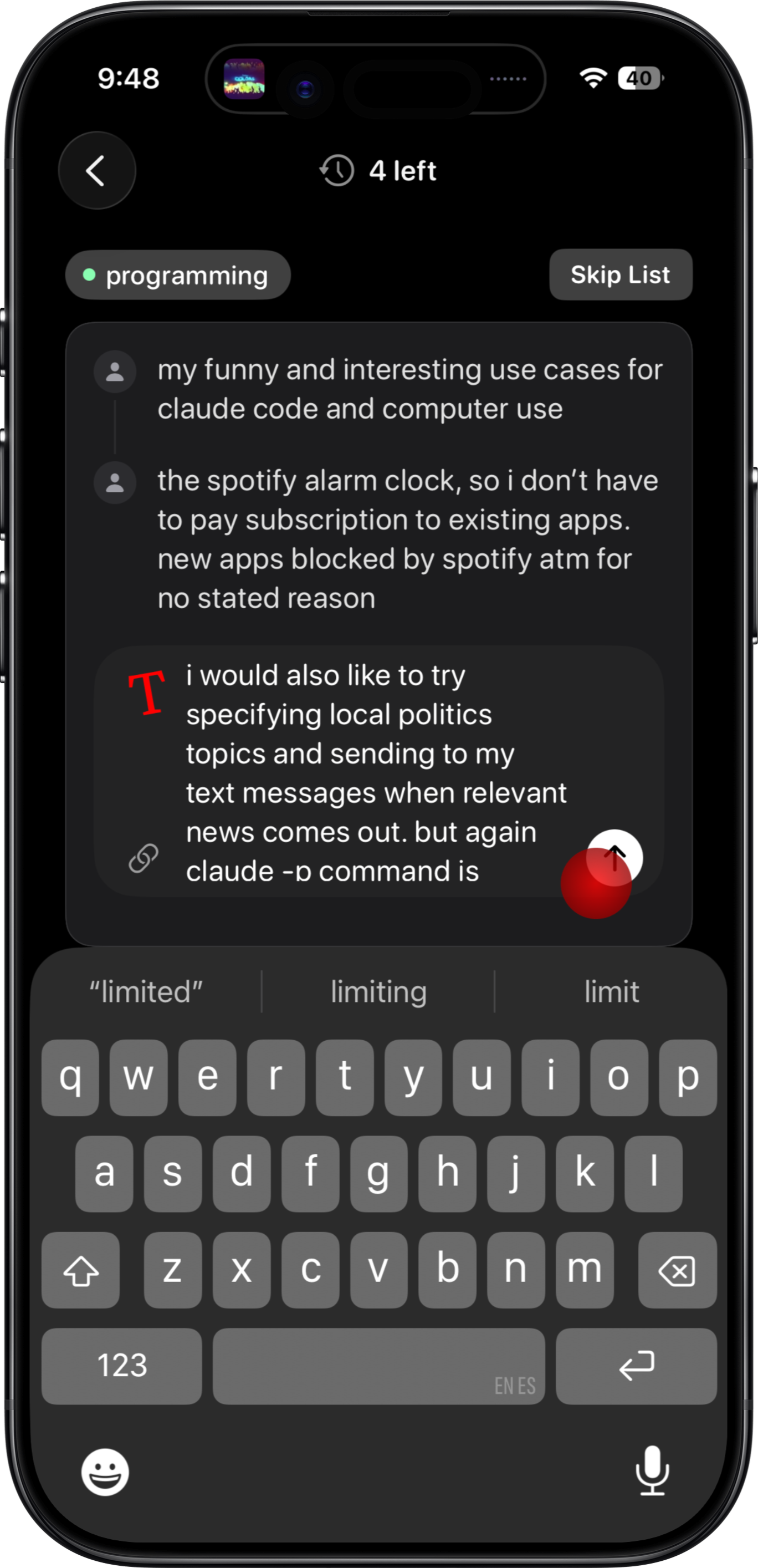
When you type a new note, AI suggests lists but it doesn't automatically apply them.
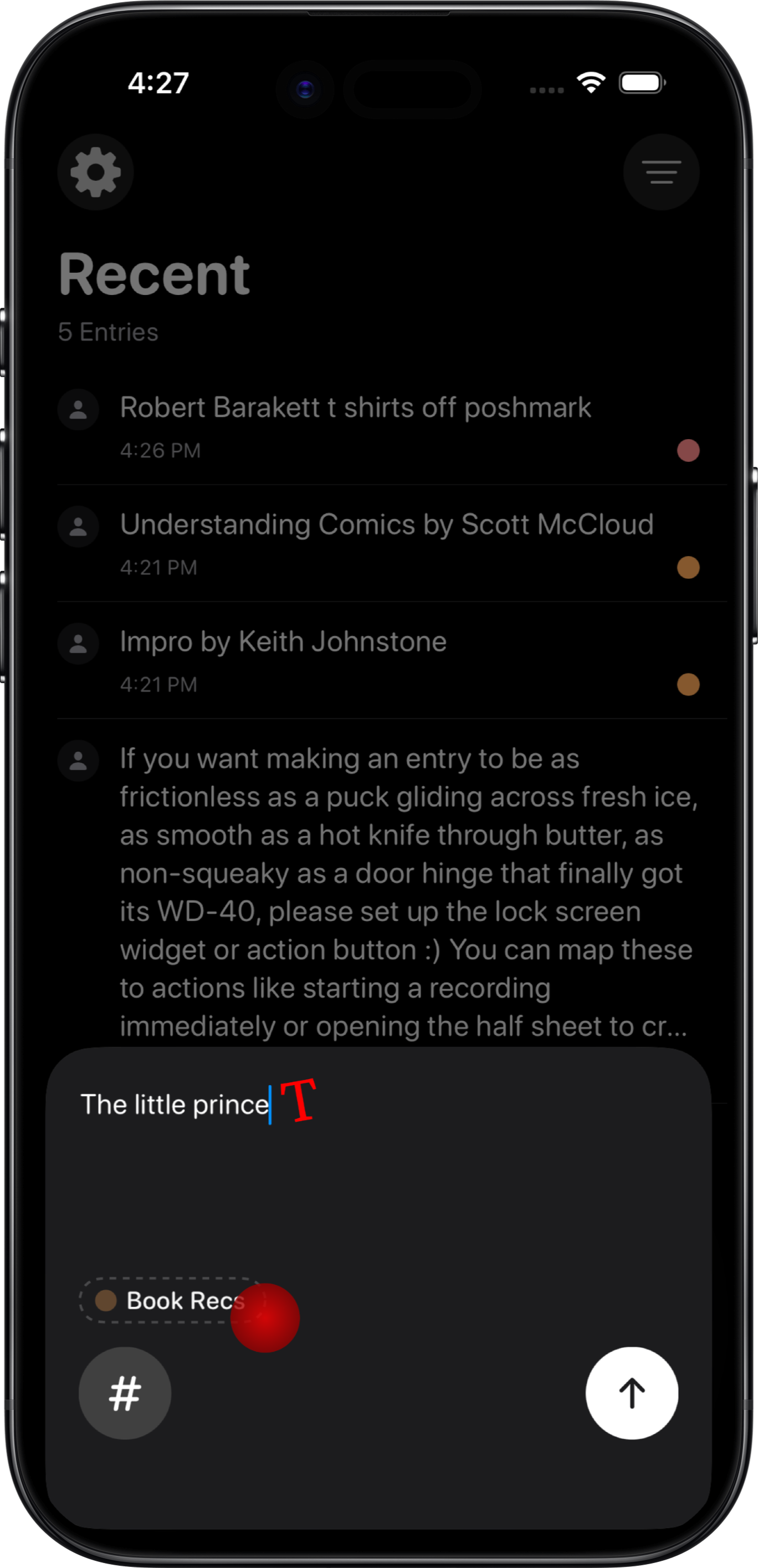
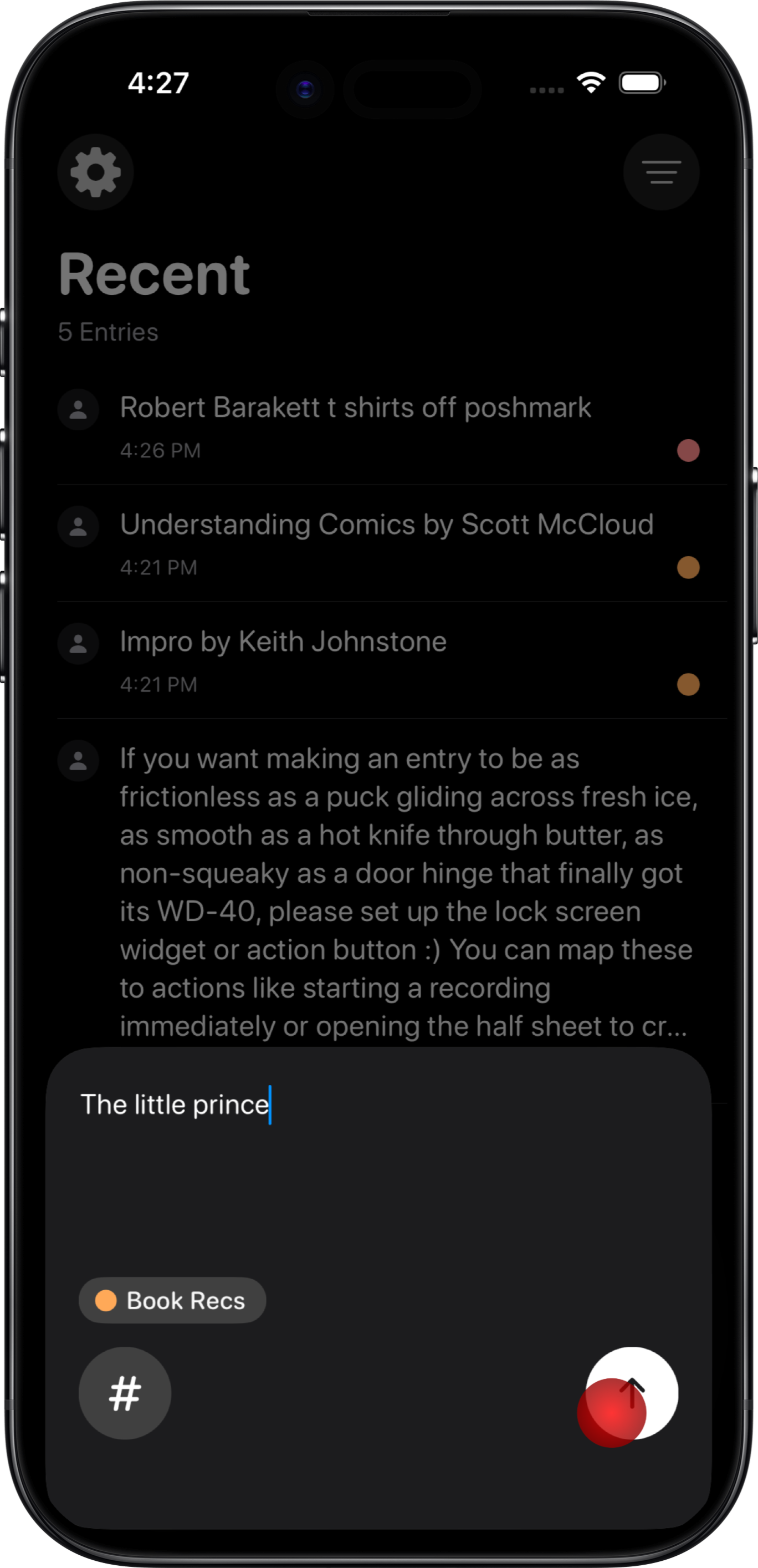
The AI might not use wording or abstractions that feel right to you, so you can easily create tags manually.
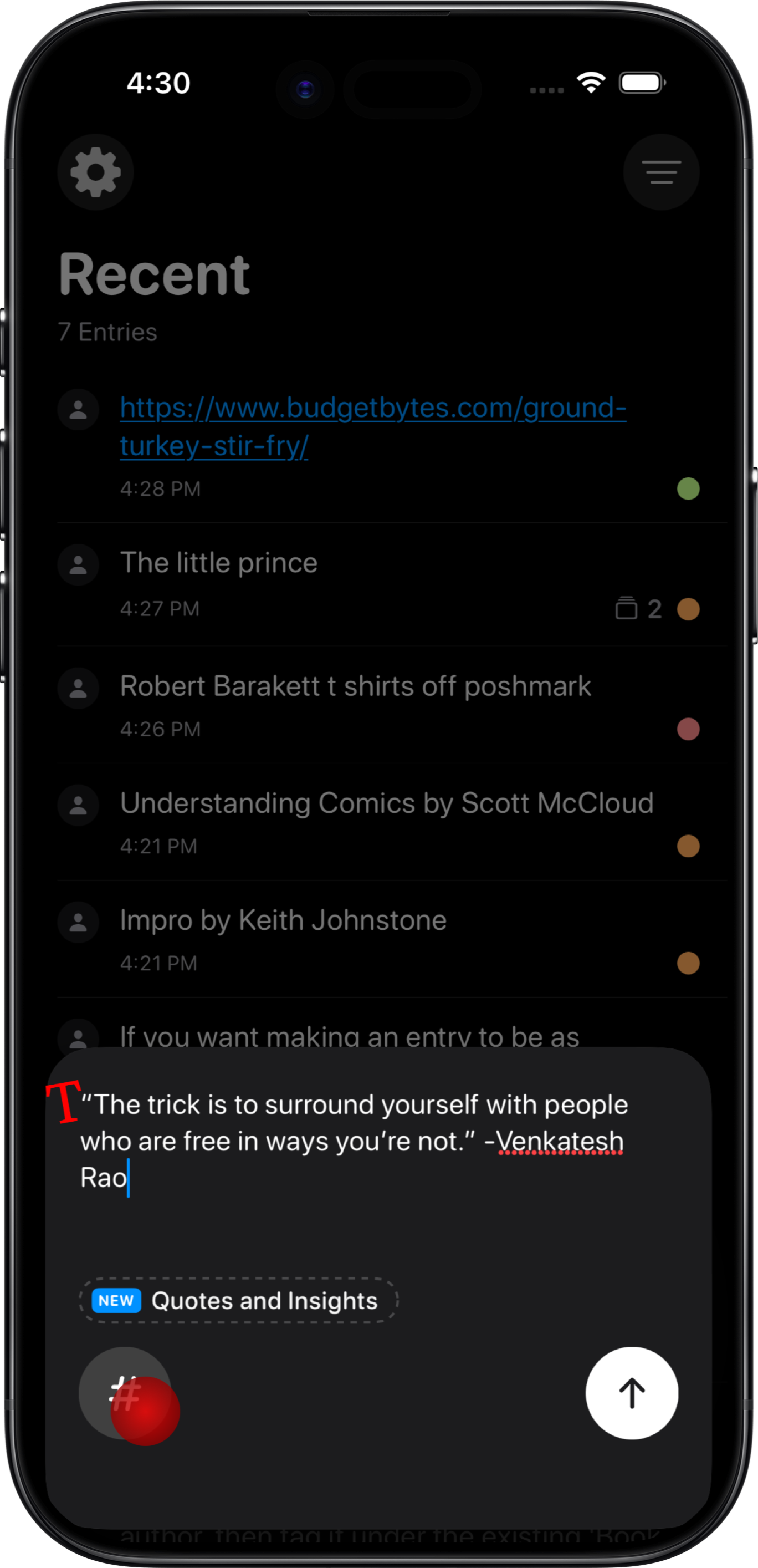
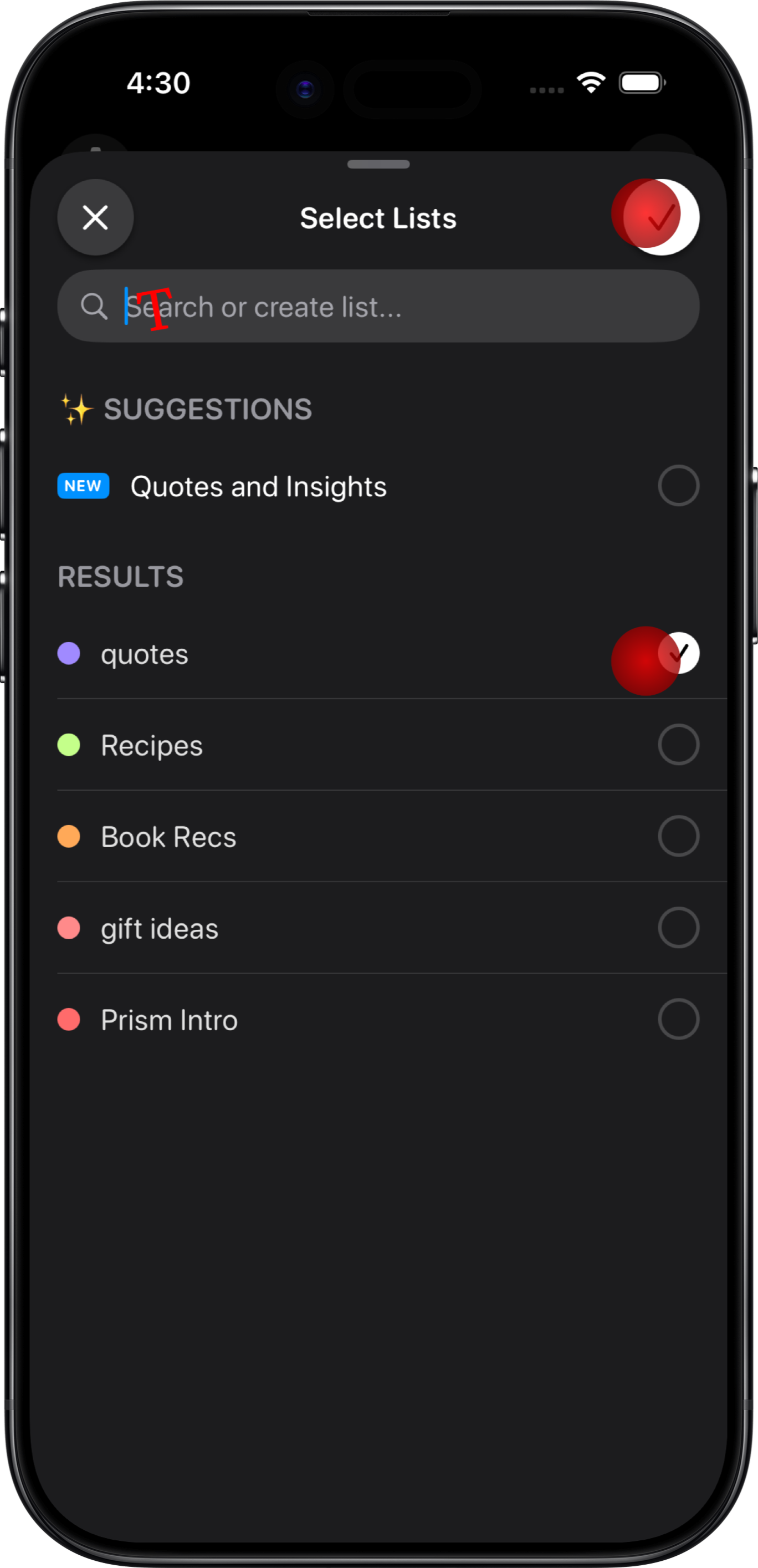
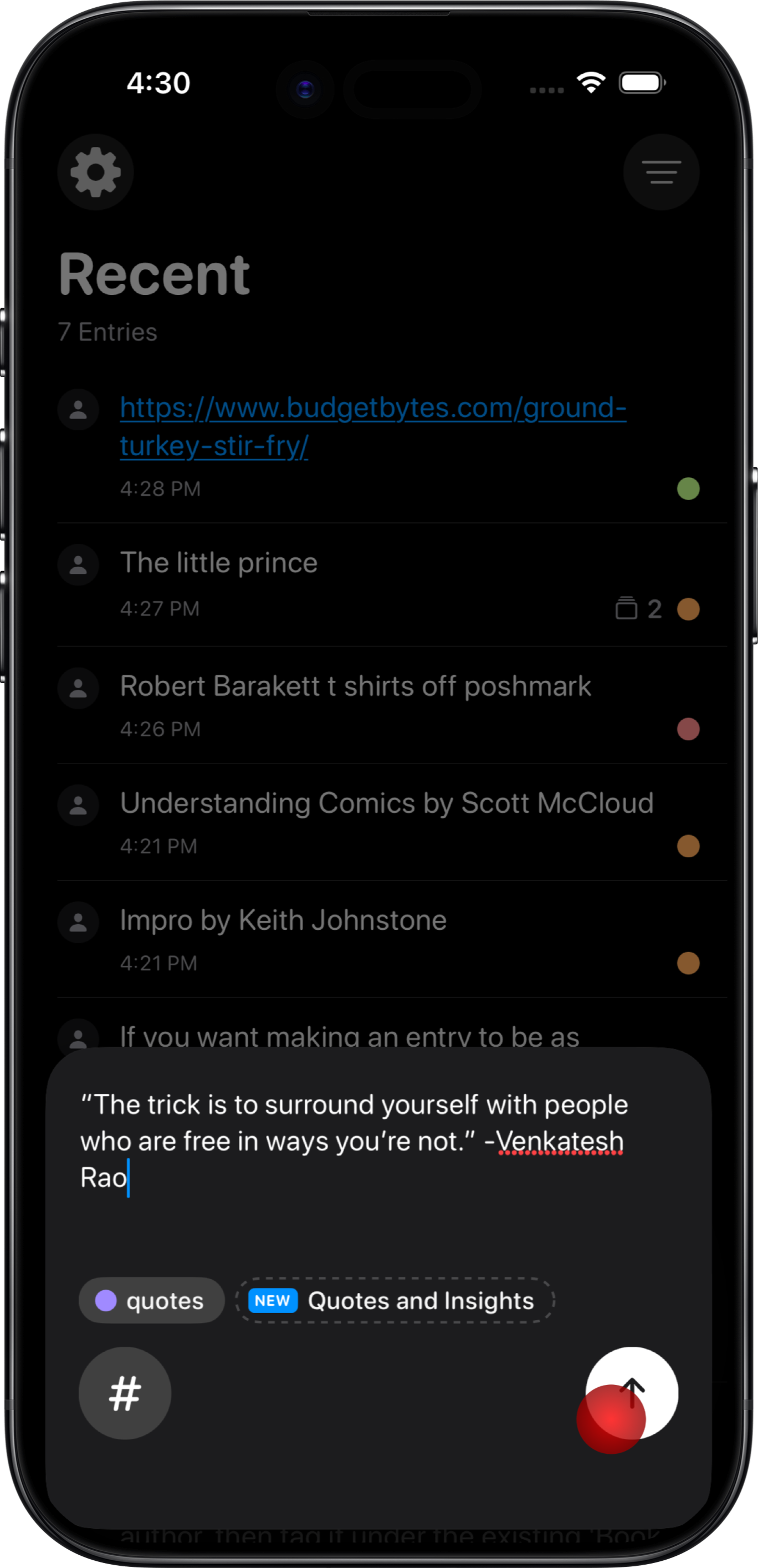
You can tag items as you capture them, or you can tag them later.
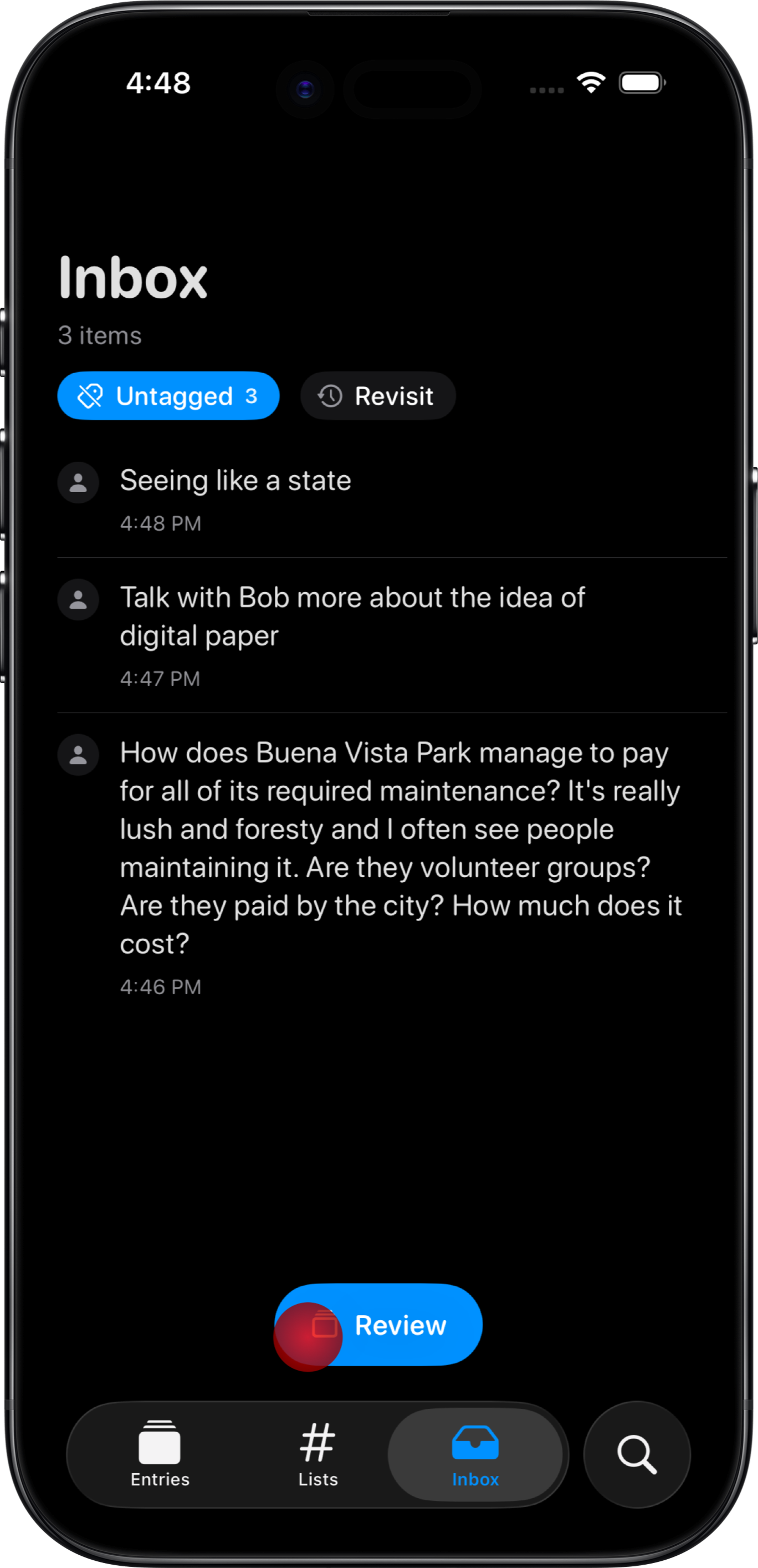
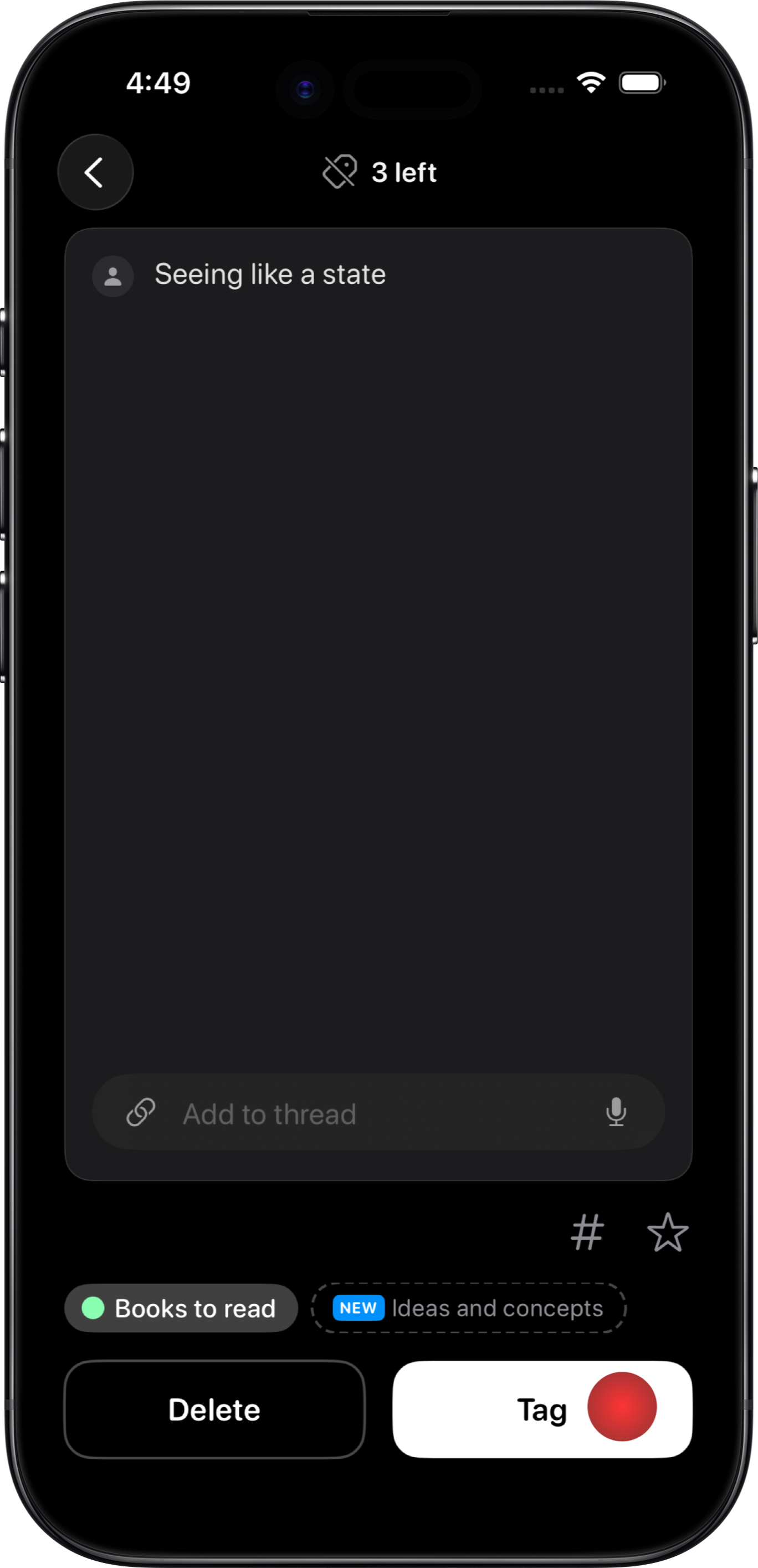
By creating a list and growing it over time, you create a sort of attentional gravity field. Suppose you create a "classical music" list and add two songs in it. If a friend recommends a classical music song, you are more likely to write it down and actually listen to it later. That's top down but it works bottom-up too. Suppose you find yourself describing scenes like "a comic of maslow's hierarchy as a jenga tower...". You might realize that this is a thing you do and it's fun and maybe you can develop these.
Alive Notes
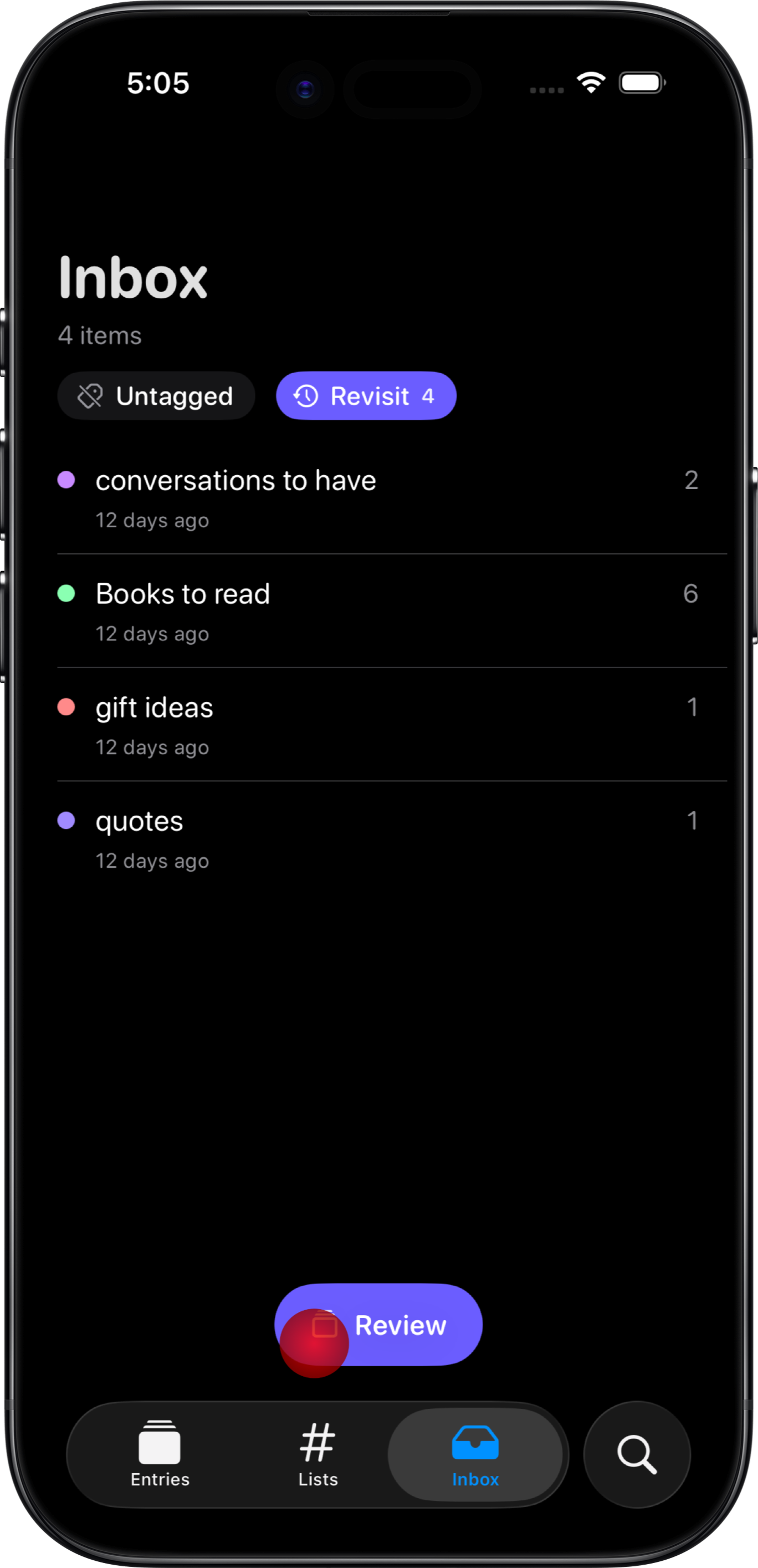
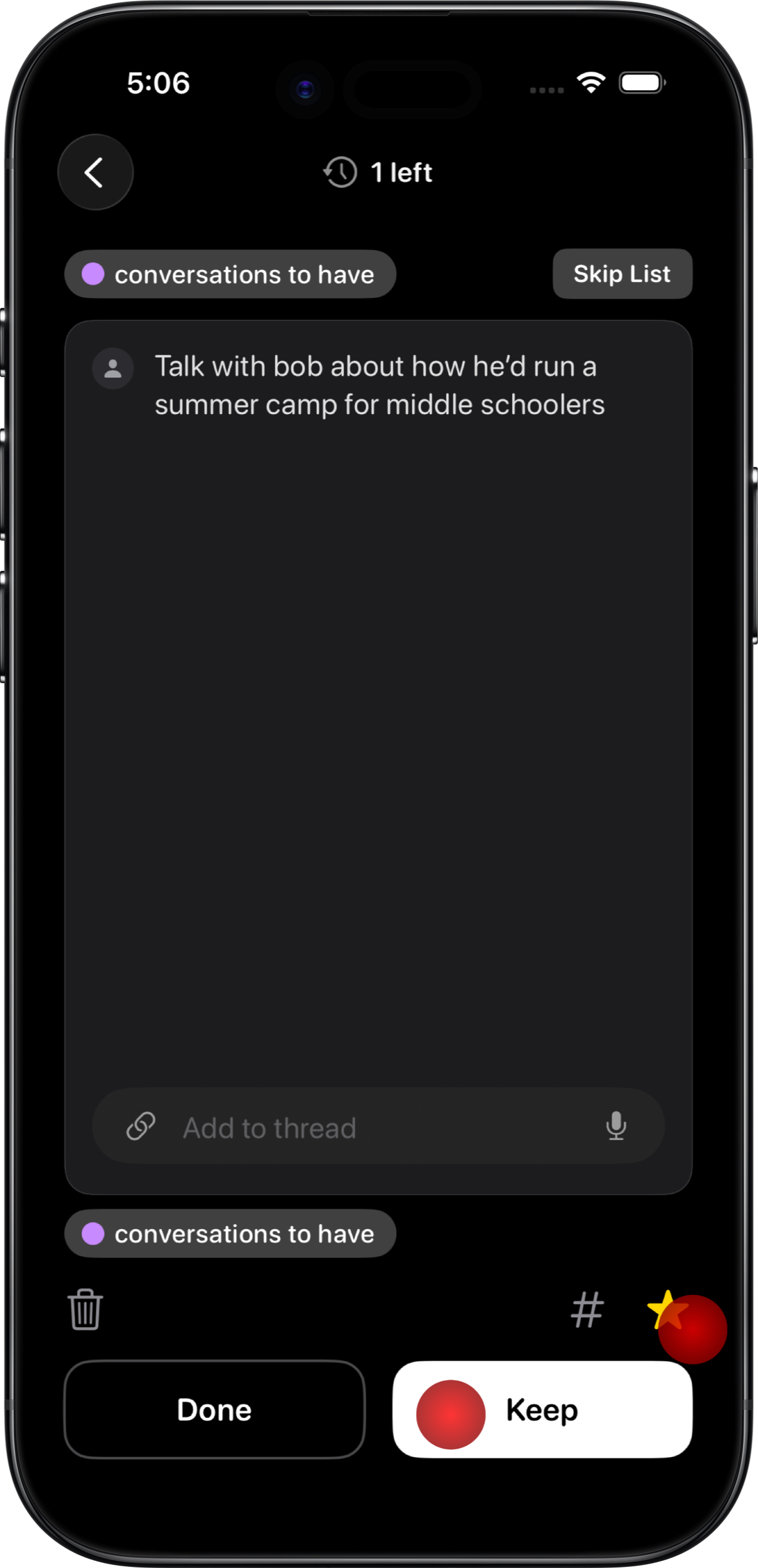
Your daily scraps should be alive. They should be either useful or interesting to you. Review shows just one note at a time and you can swipe them to the left for done or to the right to keep, simultaneously a zen experience and a healthy hijacking of your social media swiping habit.
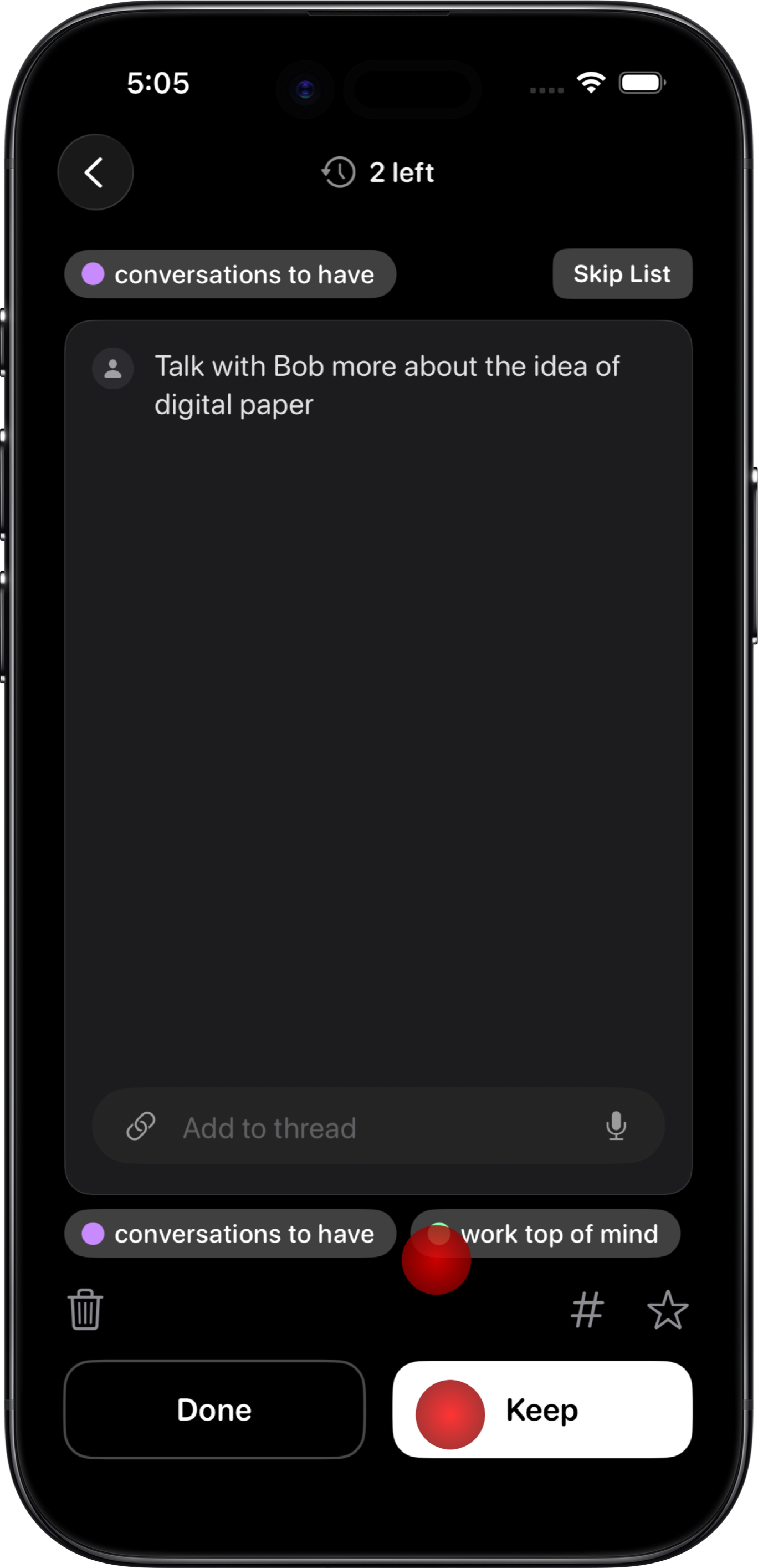
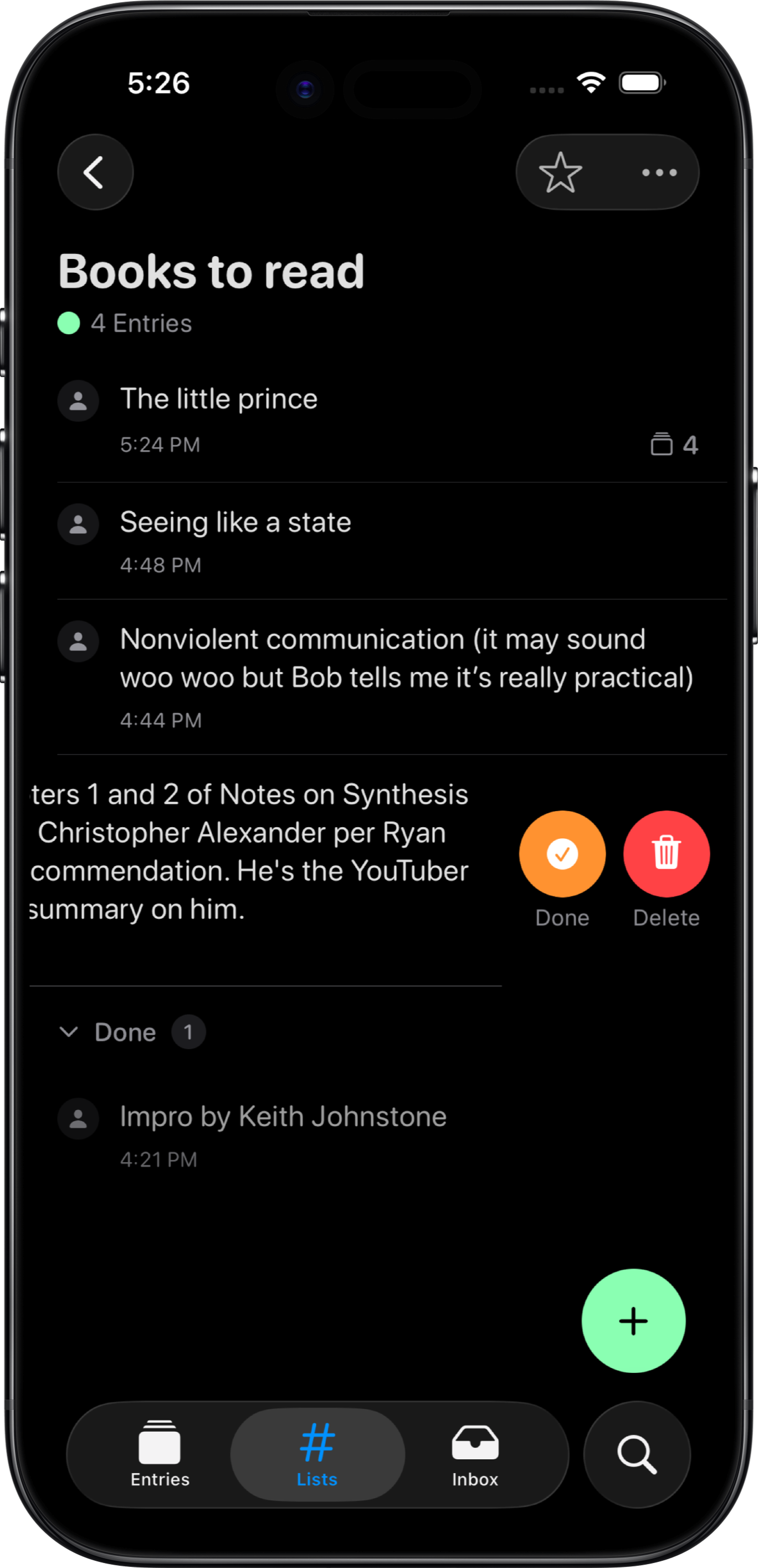
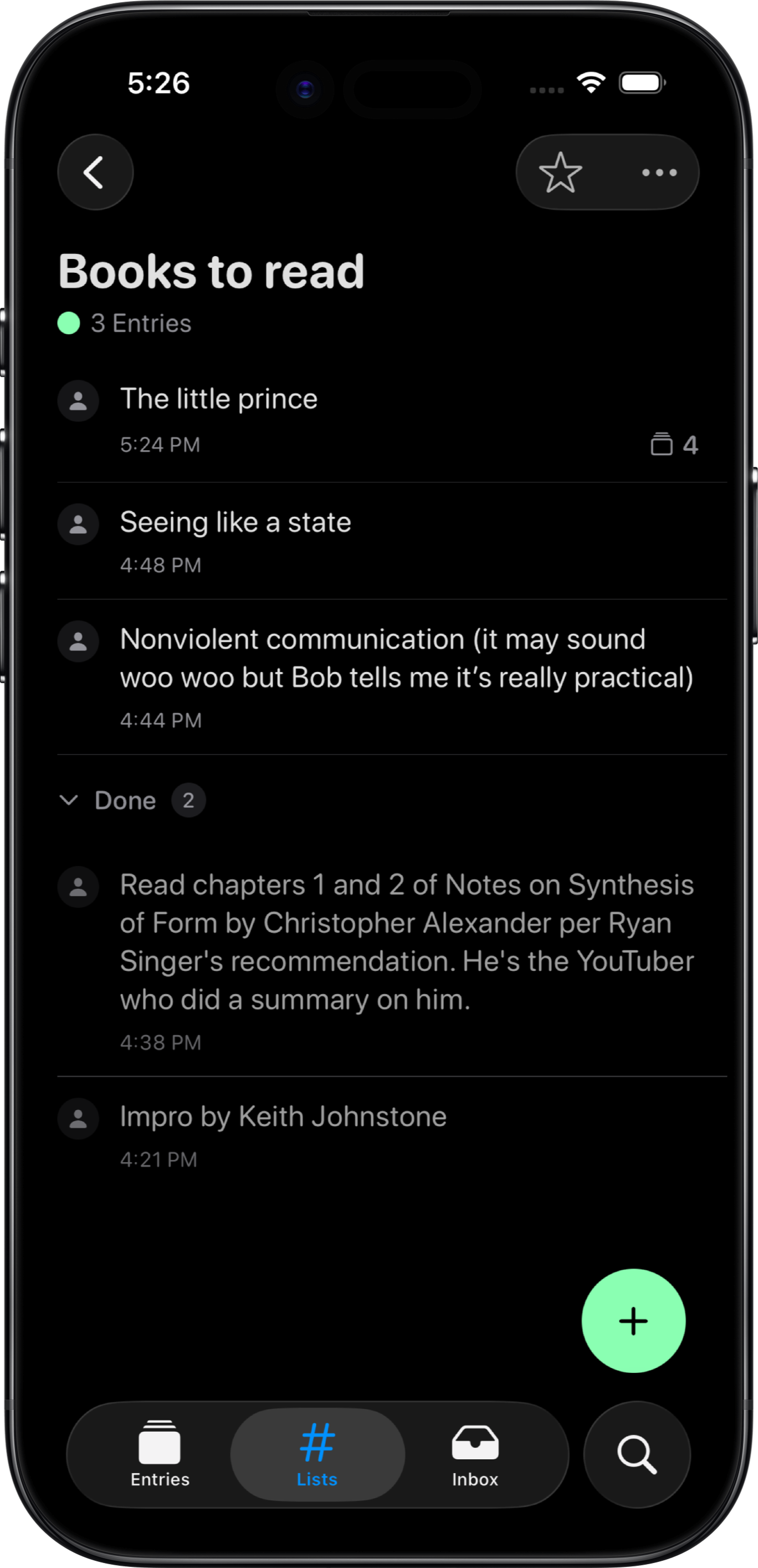
Done lives in the middle of the spectrum from active to deleted. Done notes are de-emphasized but still accessible. You can also mark notes as done from the list view or anywhere you see the note. And you can mark done notes as active again.
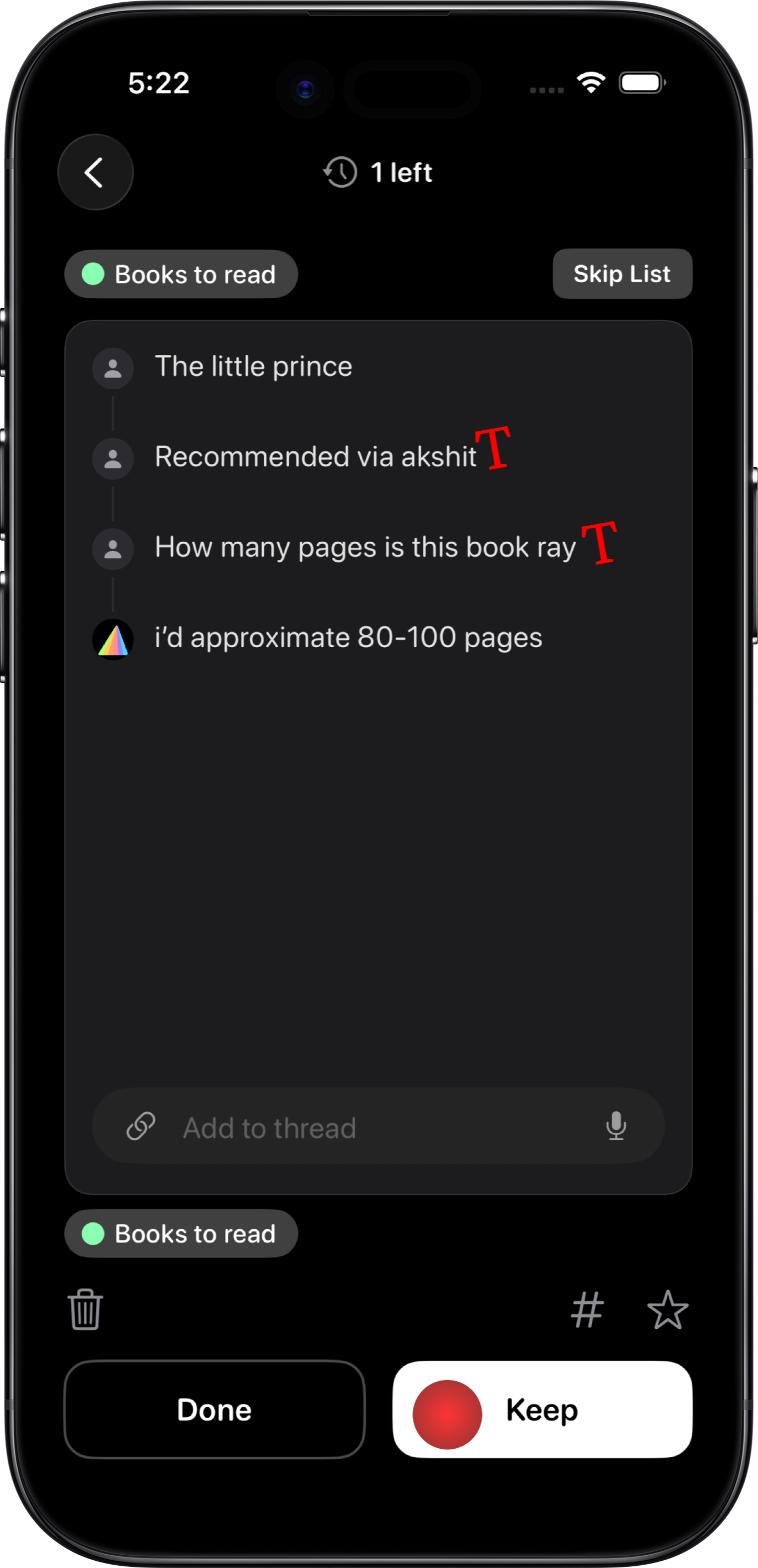
You can add to a thread, connect notes, delete notes, edit tags, star notes, or ask Ray. During review, notes are clustered together by list, to avoid context switching and encourage connections and comparisons.
I haven't yet figured out the algorithm or UX to surface notes for review. Right now, I'm using simple spaced repetition over lists. I'm considering using an LLM to personalize this.
Your daily scraps and lists are part of a chaotic garden. They are the seasonal plants that bear fruit, the seedlings that outgrow their starter pot and need replanting, the succulents that will stick around without tending, and the bonsais that need pruning but last forever. Without review, they wither and take up space. With review, they grow and evolve at their own pace.
Stream of Consciousness
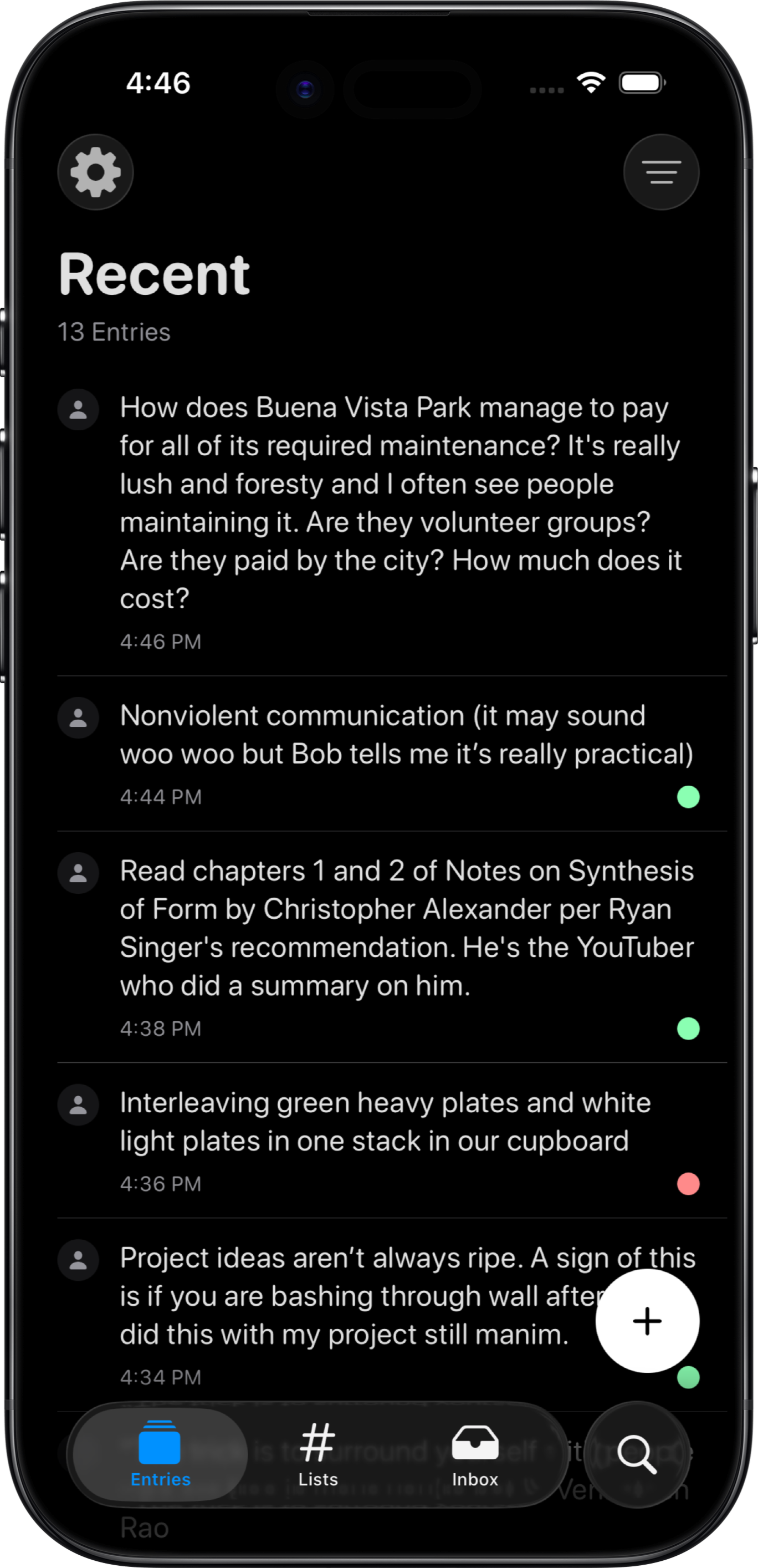
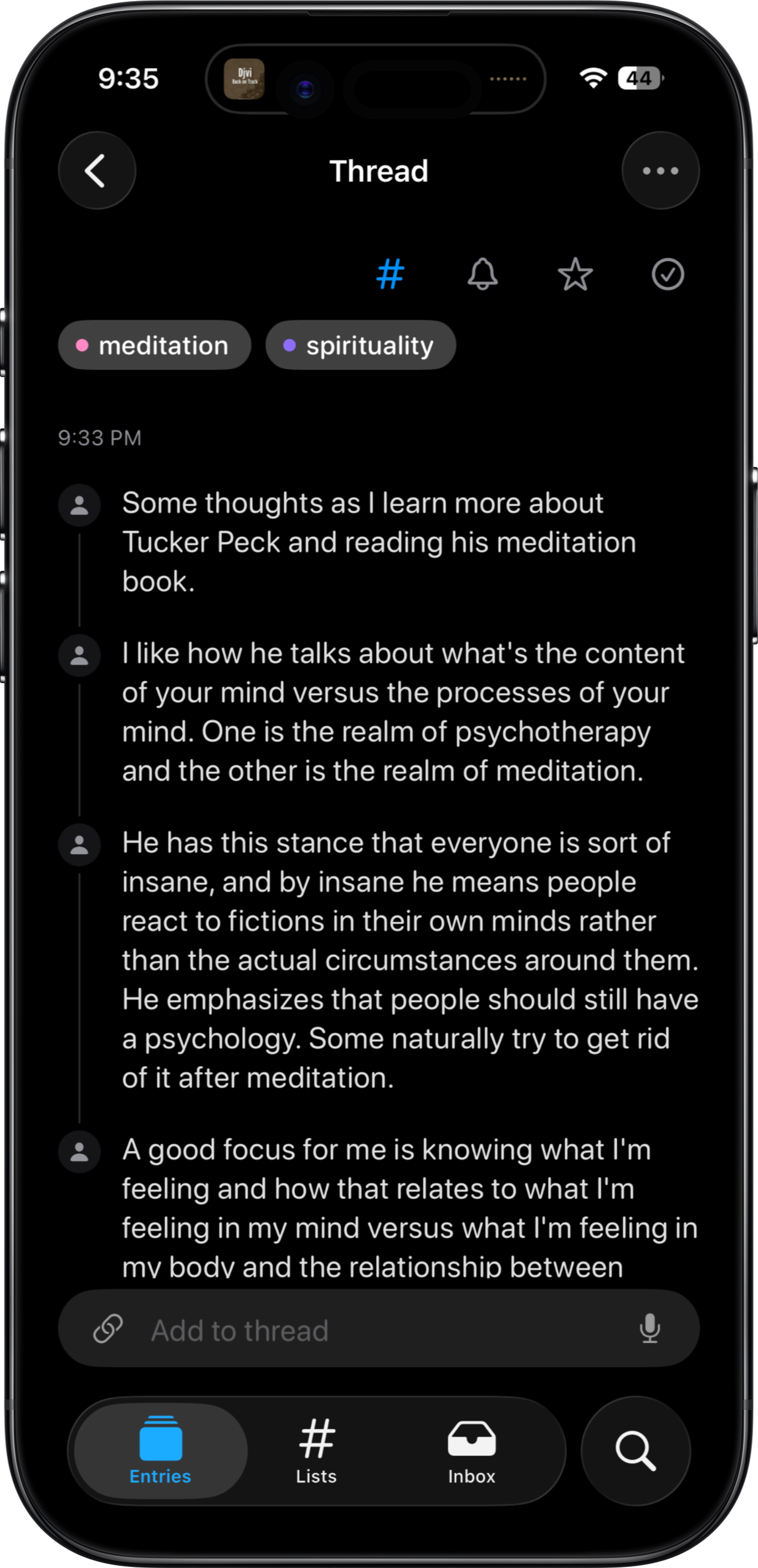
Prism is for messy, raw thoughts rather than polished, structured notes. It prioritizes voice and makes taking notes feel like sending text messages. The main capture page is a single log with all of your notes, a literal stream of consciousness.
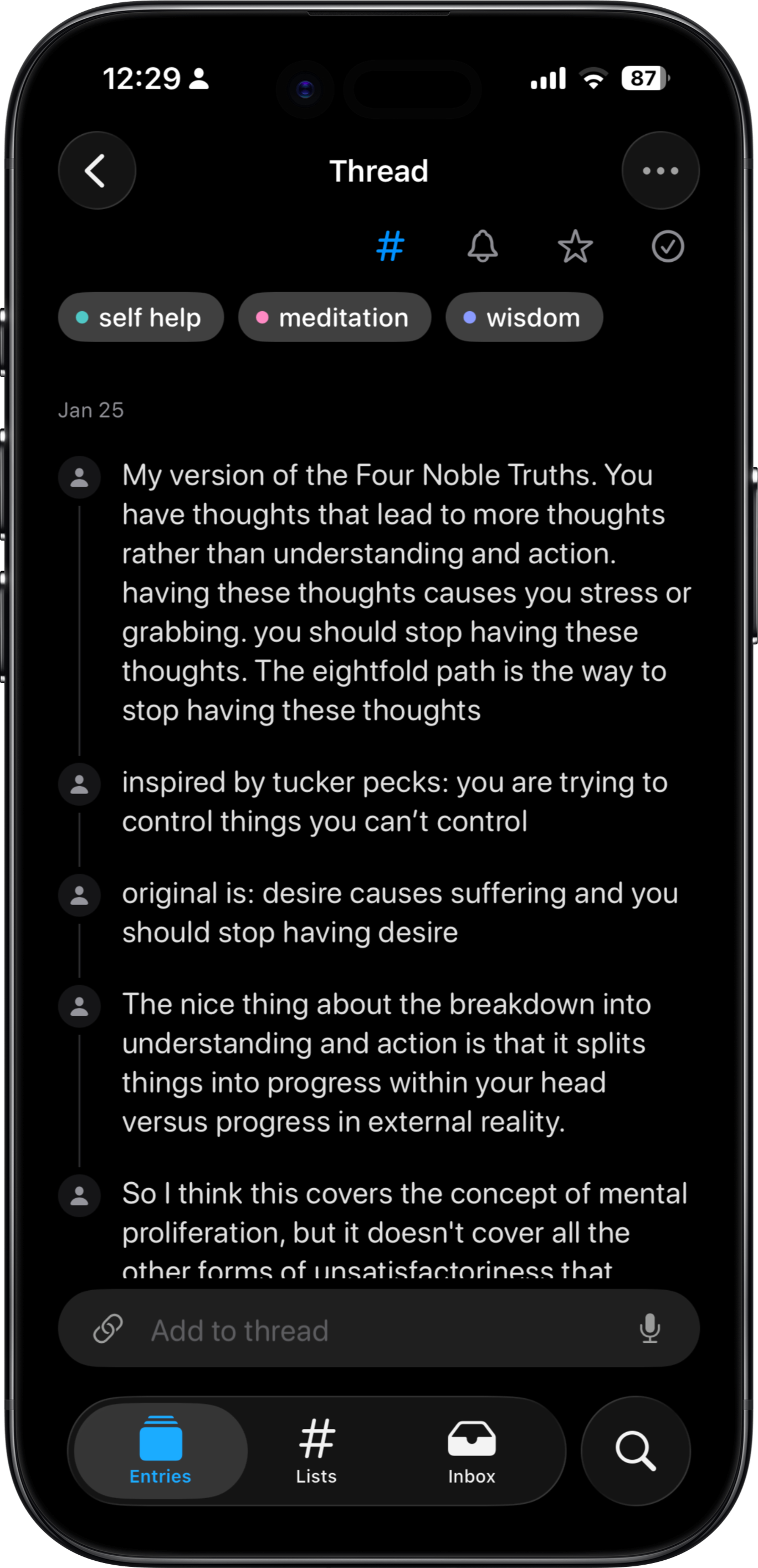
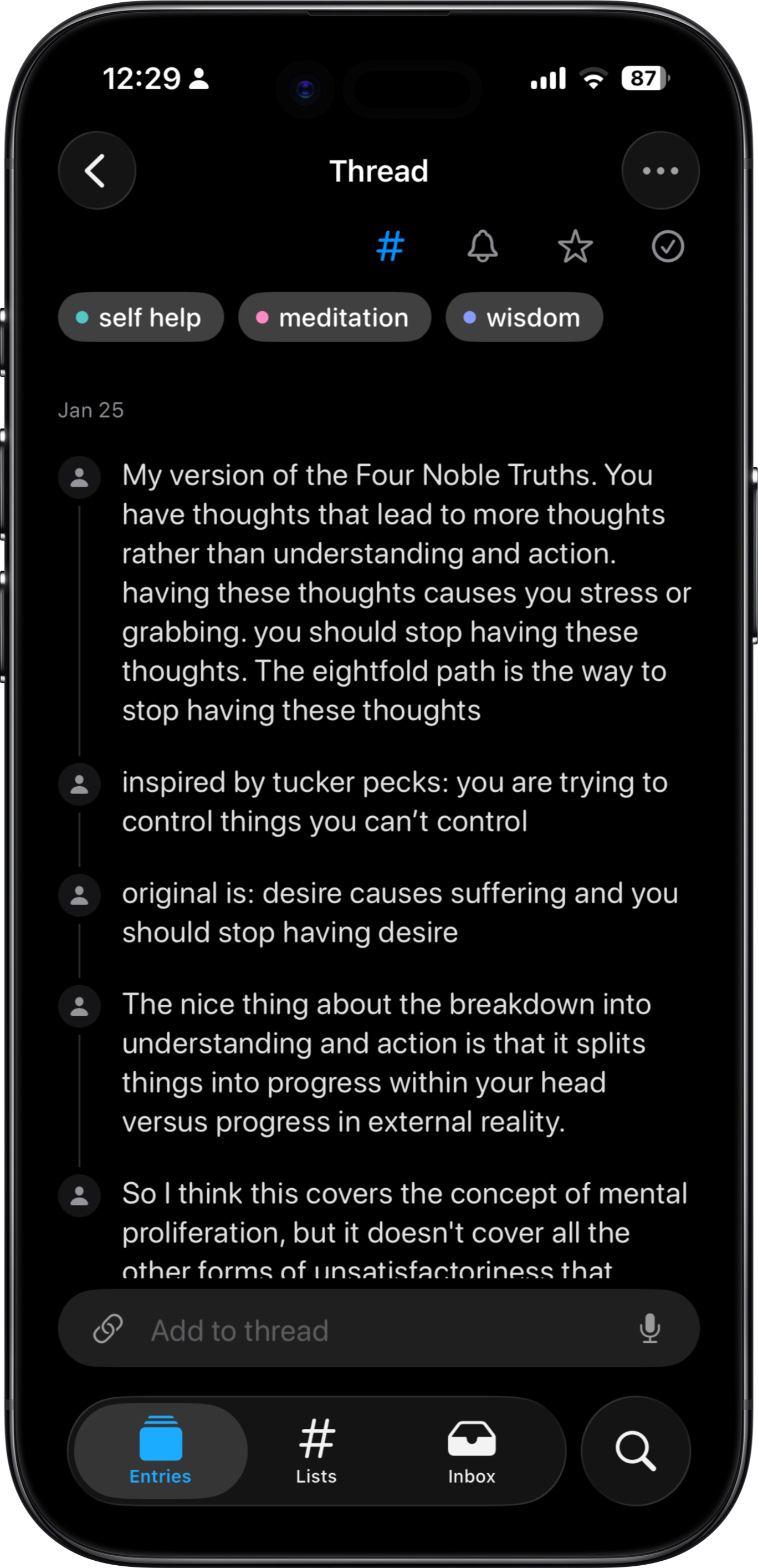
When you navigate into a note, it shows up as a thread. Threads support an AI thinking partner. Threads also allow you to evolve your note over time and see the progress when you return to it.
Your stream of consciousness is the beam that enters the prism and the organization and structure are the spectrum of colors that come out. You can email me at tjdev23@gmail.com.
A few other people/companies are building something similar, including Resurf, MyMind, Distill, and Andy Matuschak. I doubled down on this project after talking to two very inspiring guys I met at a group house party in October 2025. One of these guys knew way more about the capture landscape than I did and I was wondering "who is this guy?". Later, I found out he was Anjan Katta, the founder of Daylight Computer. I'm currently testing my product with users and choosing a market segment. I'll be building the macOS app soon!